AI video generator for YouTube Shorts and long-form Give it a topic. Get back a finished video.
Wyrlo AI writes the script, records the voice and fills every scene with AI video, footage or animated graphics, cut to every word. Then publish to YouTube or TikTok from the same tab.
Sign-up is free · packs from $9 · nothing renews · tested on 15 live YouTube channels, all 15 growing
Tested on 15 live YouTube channels, all 15 growing

Ten channels. Twenty uploads a day. One tab.
Connect every channel, unlimited on Pro and Network, give each its own niche, voice and look, and schedule Shorts and long-form from one place.
- channels
- 10
- uploads a day
- 20
- uploads a week
- 140
Example workspace10 channels
Today, 06:000 of 20 published
- HistoryUnfoldedHistoryShort08:00scheduledLong-form17:00scheduled
- DeepSpaceDailySpaceShort09:30scheduledLong-form18:00scheduled
- MoneyMinuteFinanceShort07:30scheduledShort16:00scheduled
- CrimeFilesTVTrue crimeLong-form11:00scheduledShort20:00scheduled
- MythsRetoldMythologyShort10:00scheduledLong-form19:00scheduled
- FactSprintFactsShort08:30scheduledShort15:00scheduled
- OceanAtlasNatureLong-form12:00scheduledShort18:30scheduled
- TechIn60TechShort09:00scheduledShort17:30scheduled
- MindBriefPsychologyShort10:30scheduledLong-form19:30scheduled
- LegendsOfSportSportsLong-form13:00scheduledShort21:00scheduled
And 5 more channels
An example workspace. The channel names are placeholders, not real channels.
- Every channel on one page
- Subscribers, views, videos and connection status for each.
- A niche per channel
- Topic ideas, research and scripts follow what each channel covers.
- Cost per 1,000 views
- What every video cost to make, next to how it performed.
- Scheduled per channel
- Each channel's uploads at the day and time you choose.
Every niche gets its own look.
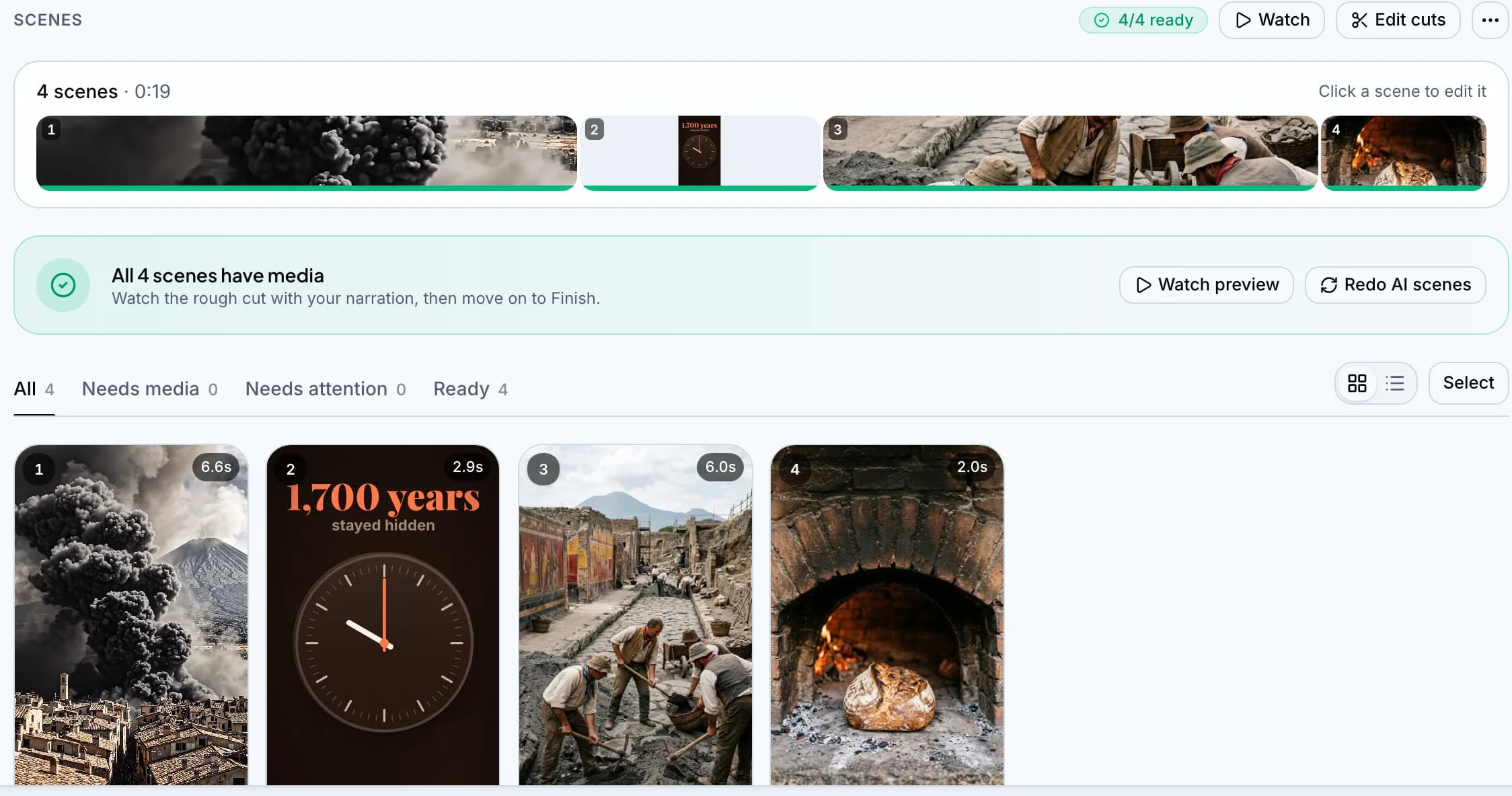
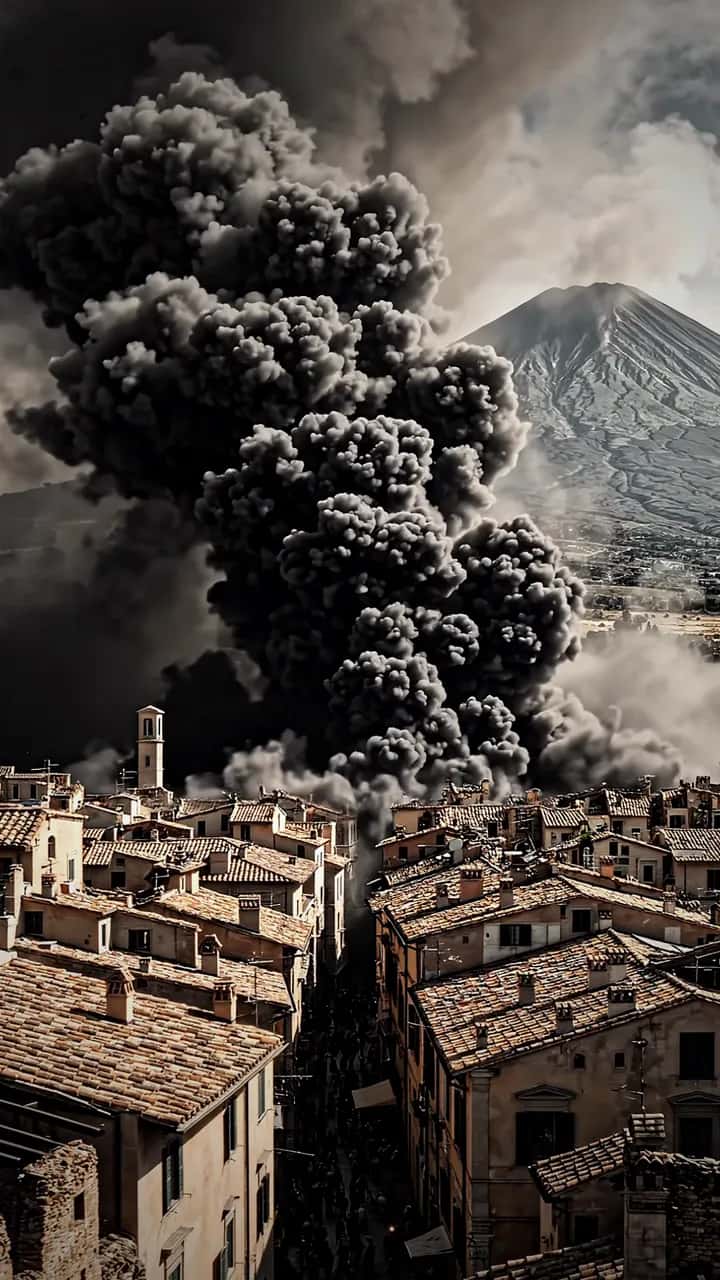 HistoryThe city under the ashA Veo clip of Vesuvius, an animated count of 1,700 years, the dig.
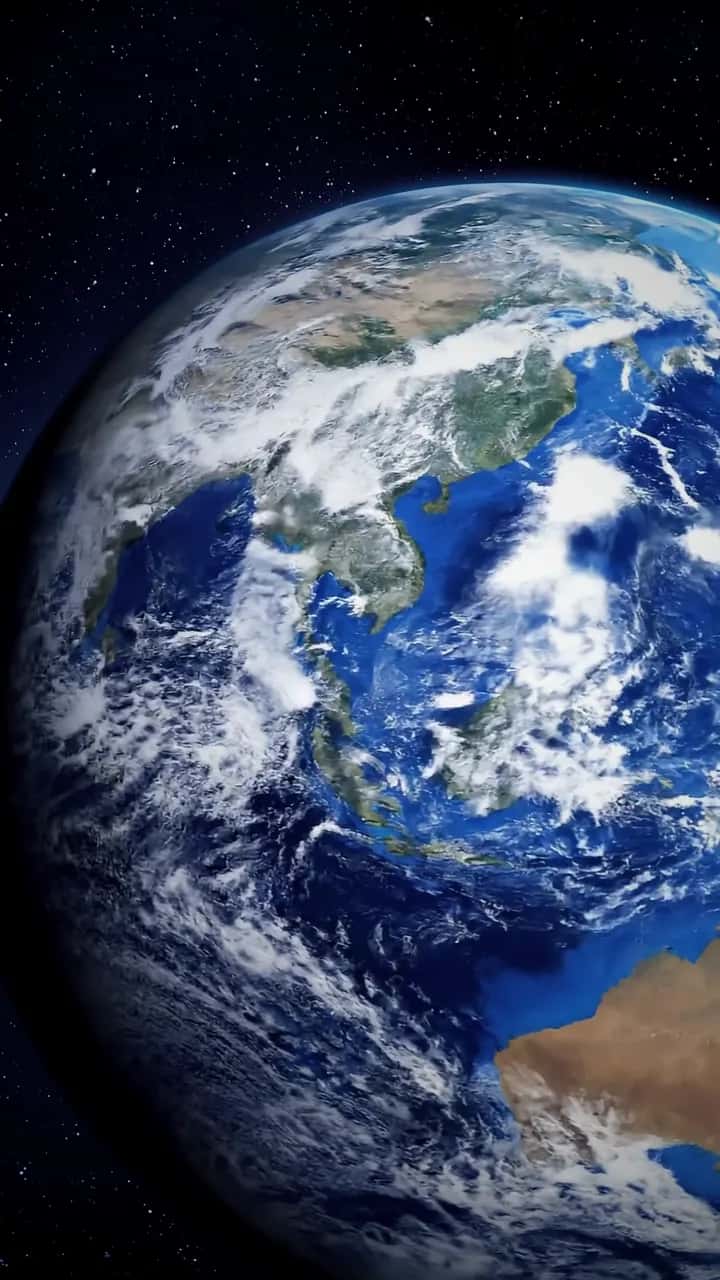
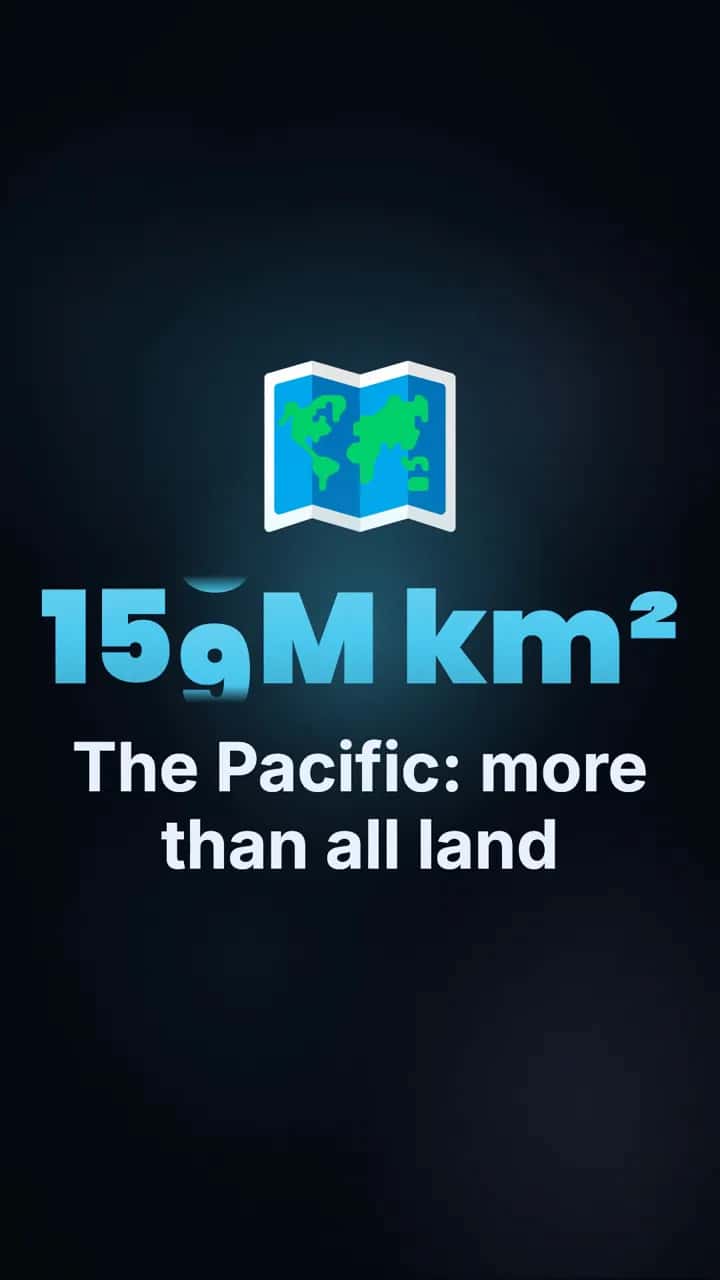 ScienceEvery continent fits in one oceanEarth from orbit, the Pacific's size counting up, a dive into the trench.
 FinanceA hundred dollars a monthTwo figures that count to their words: $36,000 paid in, $122K at the end.
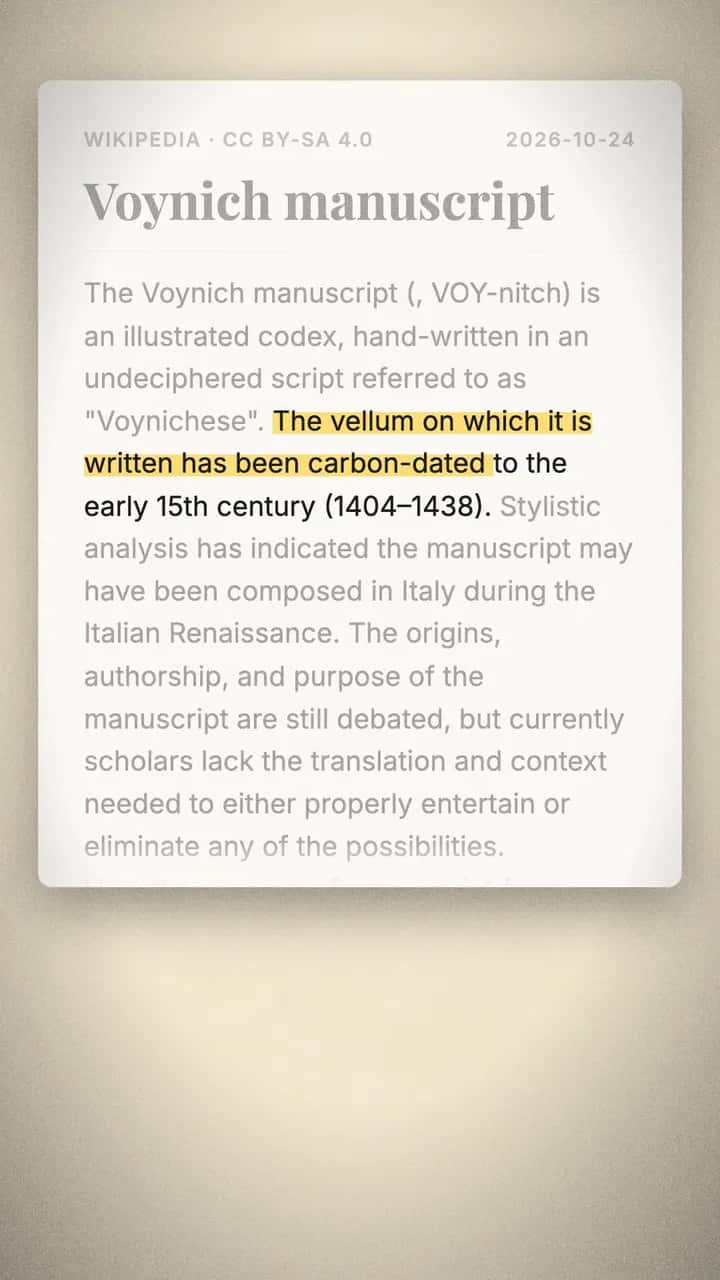 MysteriesThe book no one can readThe Wikipedia passage on screen, highlighted as the voice reads it.
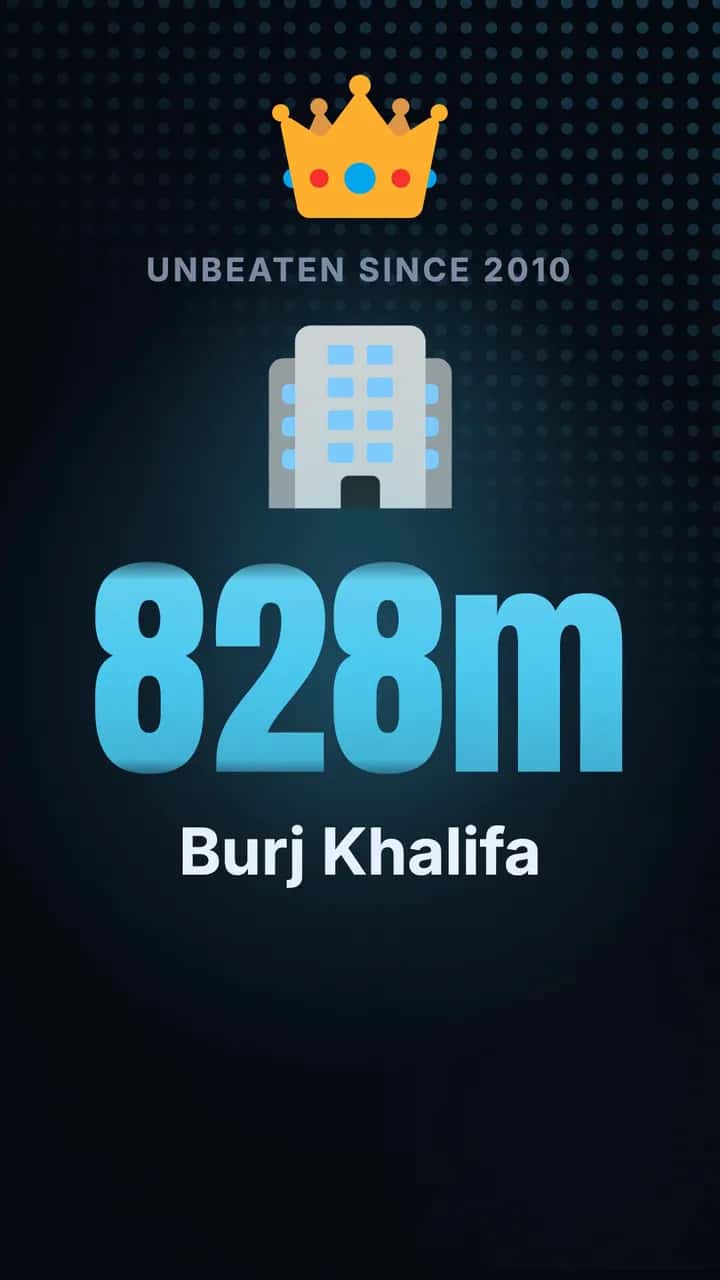 Lists and rankingsThe three tallest buildingsA countdown from Shanghai to Dubai, ending on an animated 828 m.
 Local business adFresh at sixA nine-second bakery ad: one clip, three pictures, nineteen words.
Numbers, charts and maps, drawn for the words.
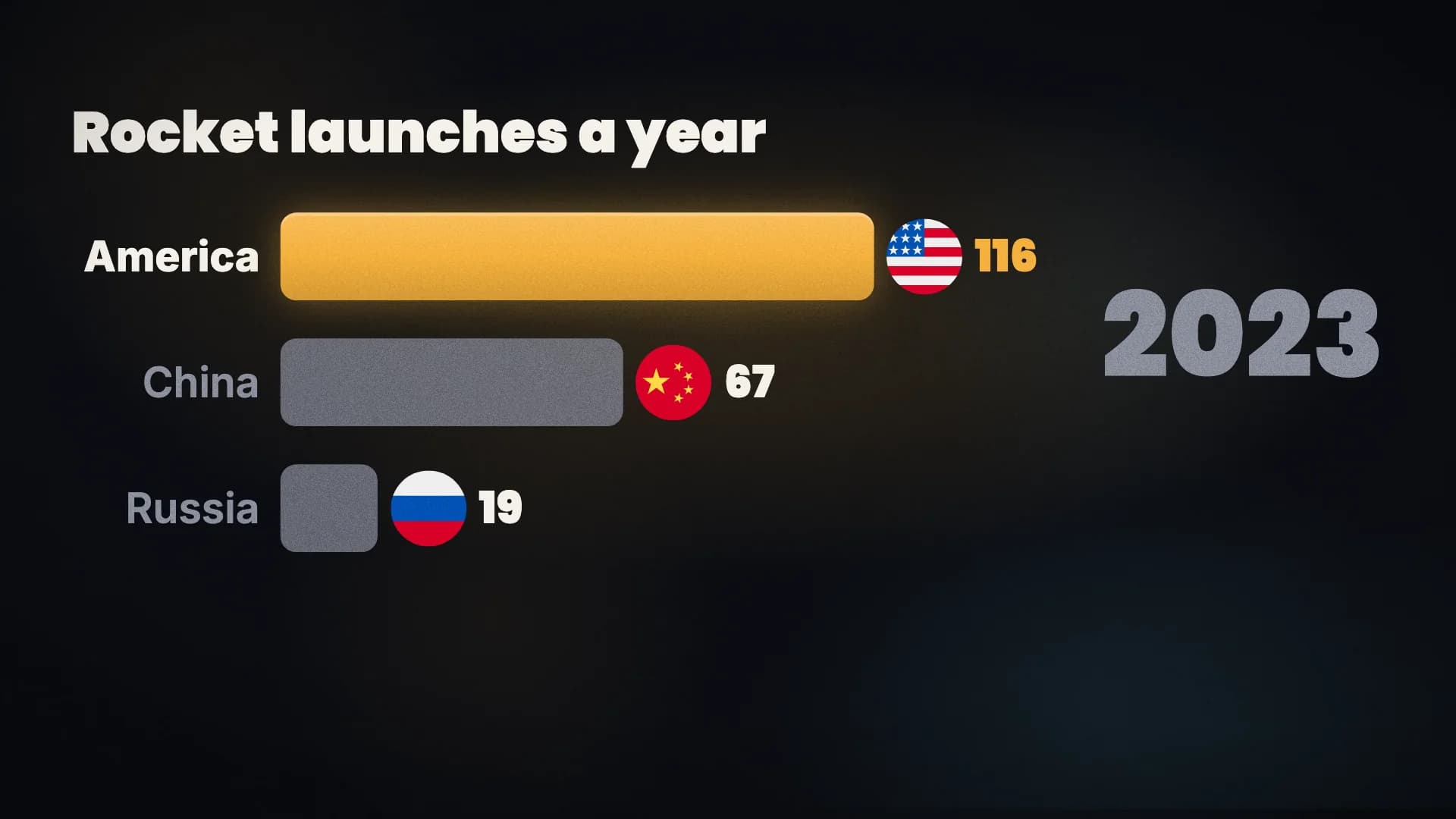
Drawn for: “In 2000, Russia launched thirty four rockets, America twenty eight, China five. By 2010, Russia thirty one, America and China fifteen each. In 2023, America launched a hundred and sixteen, China sixty seven, Russia nineteen.”
- Picked for the moment
- Where the narration gives a number, a comparison, a list, a date or a place, the AI picks a shot for it: a big number, this vs that, a chart, a timeline, a map and two dozen more. Or you pick it.
- Filled with your words
- Its numbers, names and dates come from your script, so the graphic says what the voice says.
- On the word
- Each beat appears on the word it belongs to, with a pop, a whoosh or a tick if you want sound.
- Matched to the video
- Its look follows the video's style, in 9:16 and 16:9.
- Article scenes
- A Wikipedia article, an article from a link or your own screenshot, its passage highlighted as it's read. Free.
- Price
- 60 credits a graphic. Changing its words by hand costs nothing; asking the AI to change it is 40, three new ideas 15.
It does the editing. You keep the final cut.
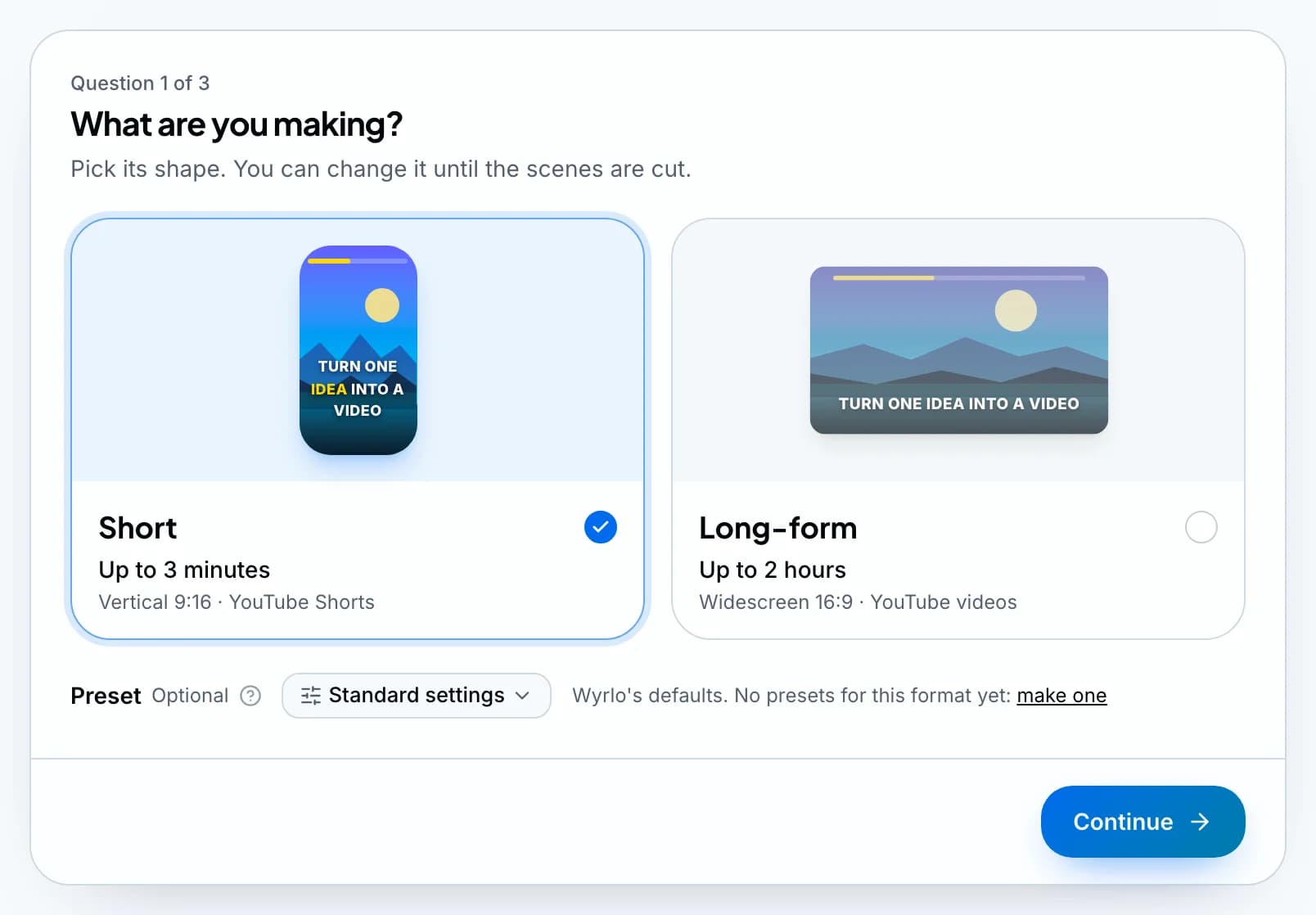
Step 1
New video
Choose a Short (9:16) or a long-form video (16:9), pick the channel and a preset, then type a topic or paste your own script.
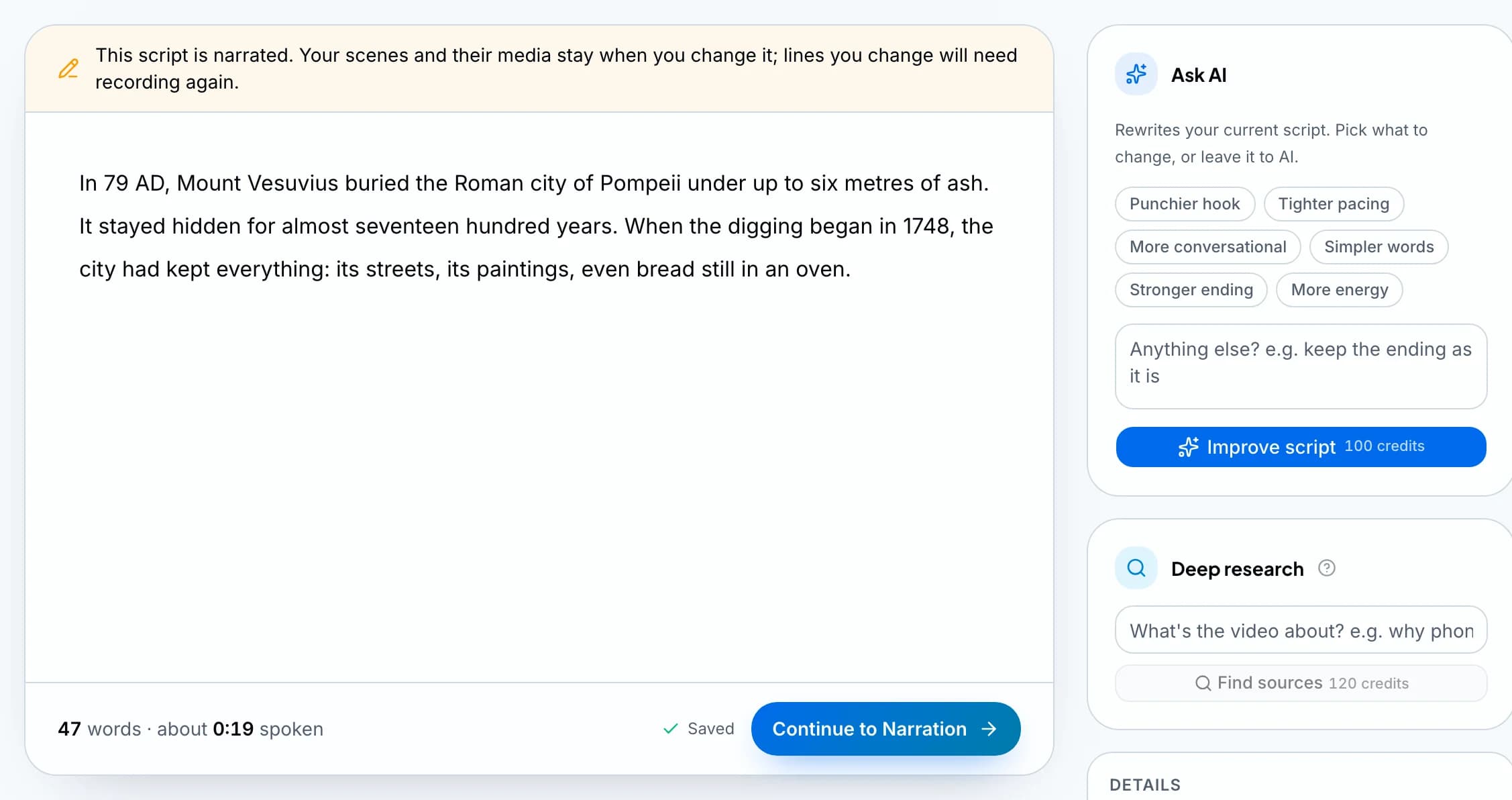
Step 2
Script
Wyrlo writes the script in the style you choose, from real web sources if you ask it to research first. You edit it like a document.
Step 3
Narration
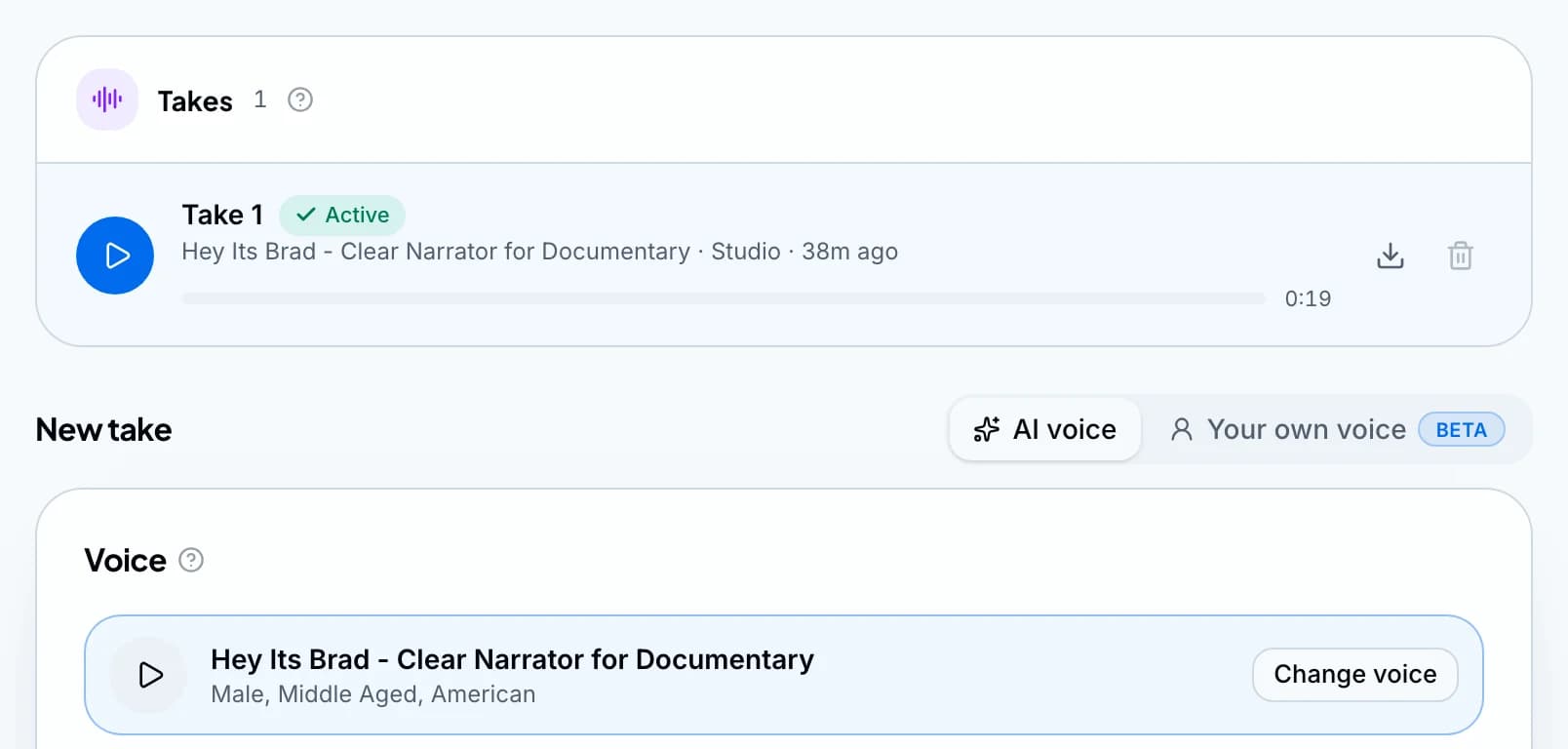
Choose from thousands of ElevenLabs voices and keep the ones you like in your own library. Record as many takes as you like and keep the best.
Step 4
Storyboard
Wyrlo cuts the voiceover into scenes and gives each one a type: AI video from 22 models, an AI image from 46, an animated graphic, free stock or your own media. Finalize the storyboard and every scene is made in one press, with the total shown first.
Step 5
Finish
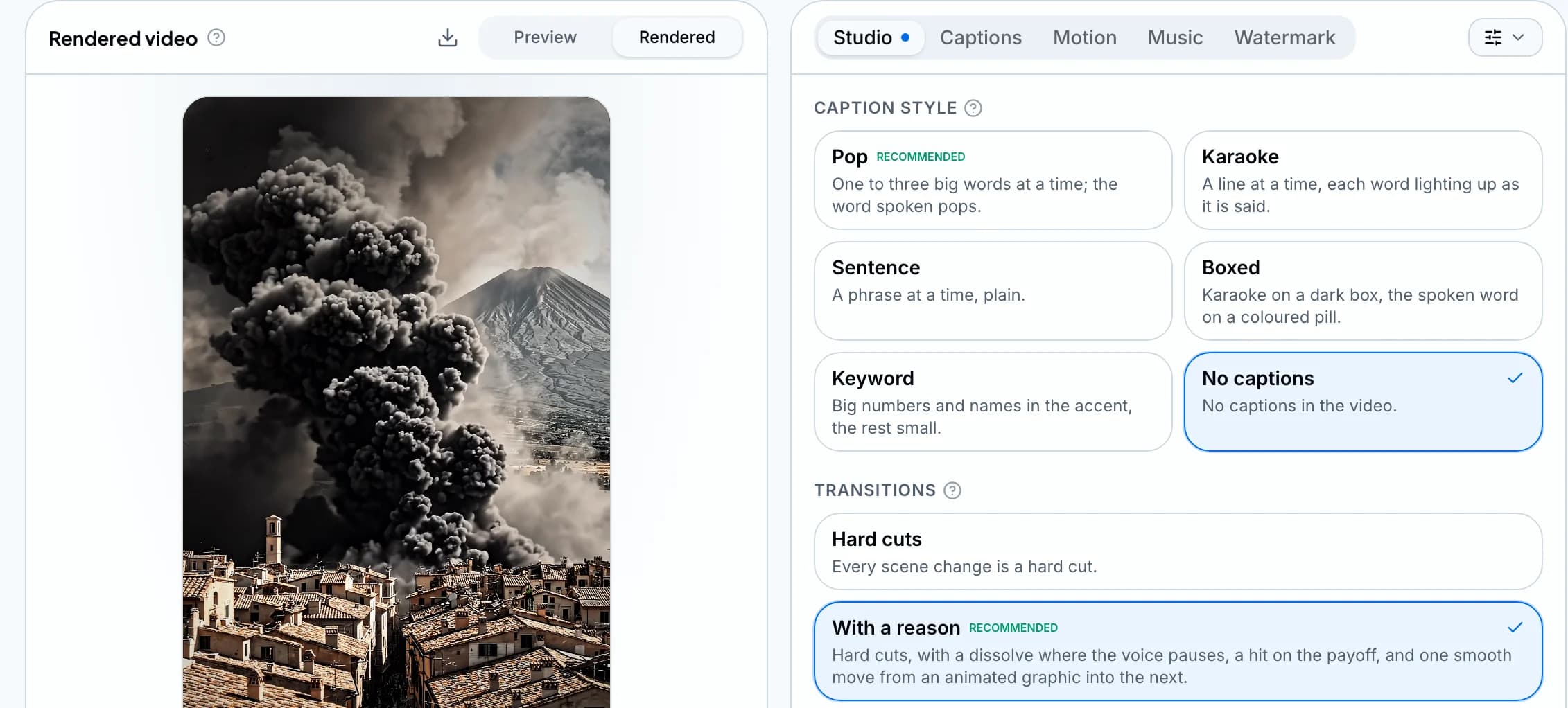
Callouts, captions, music, sound and the look on one page, in a preview that plays what the render will make. Then render the video; every version is kept.
Step 6
Publish
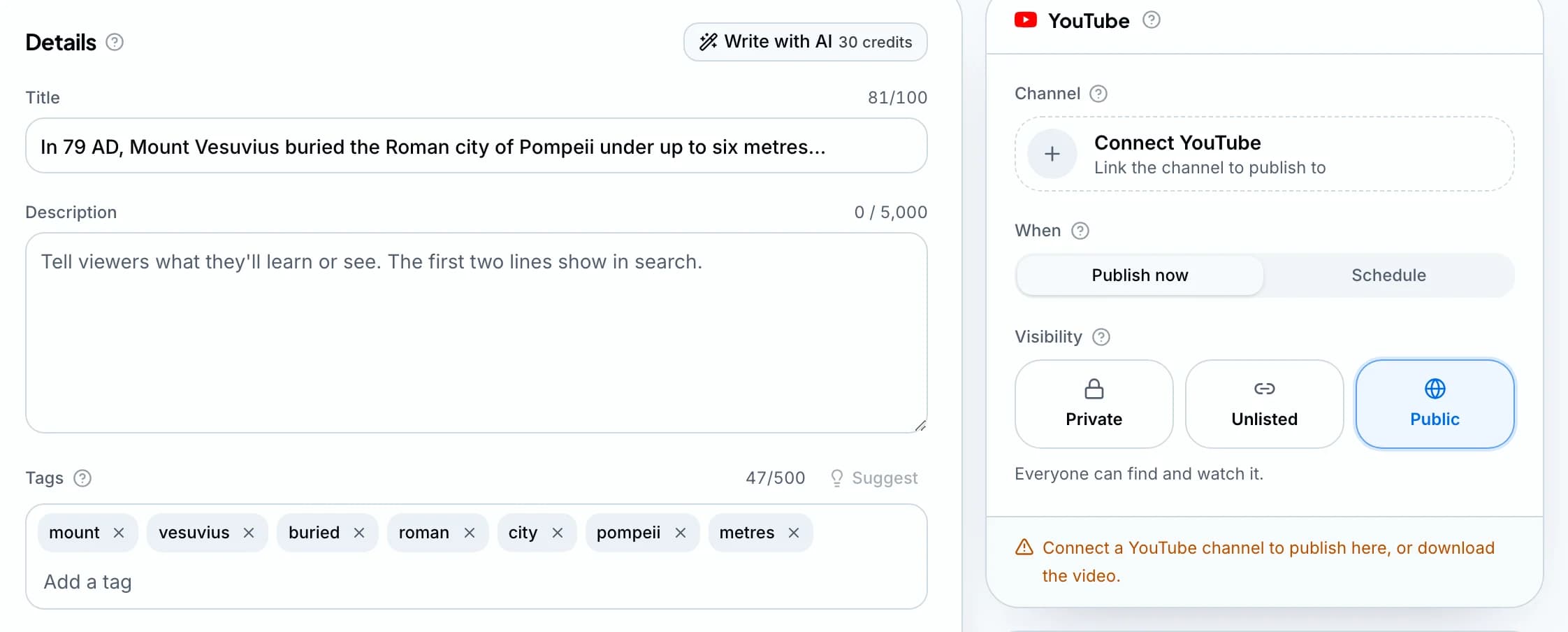
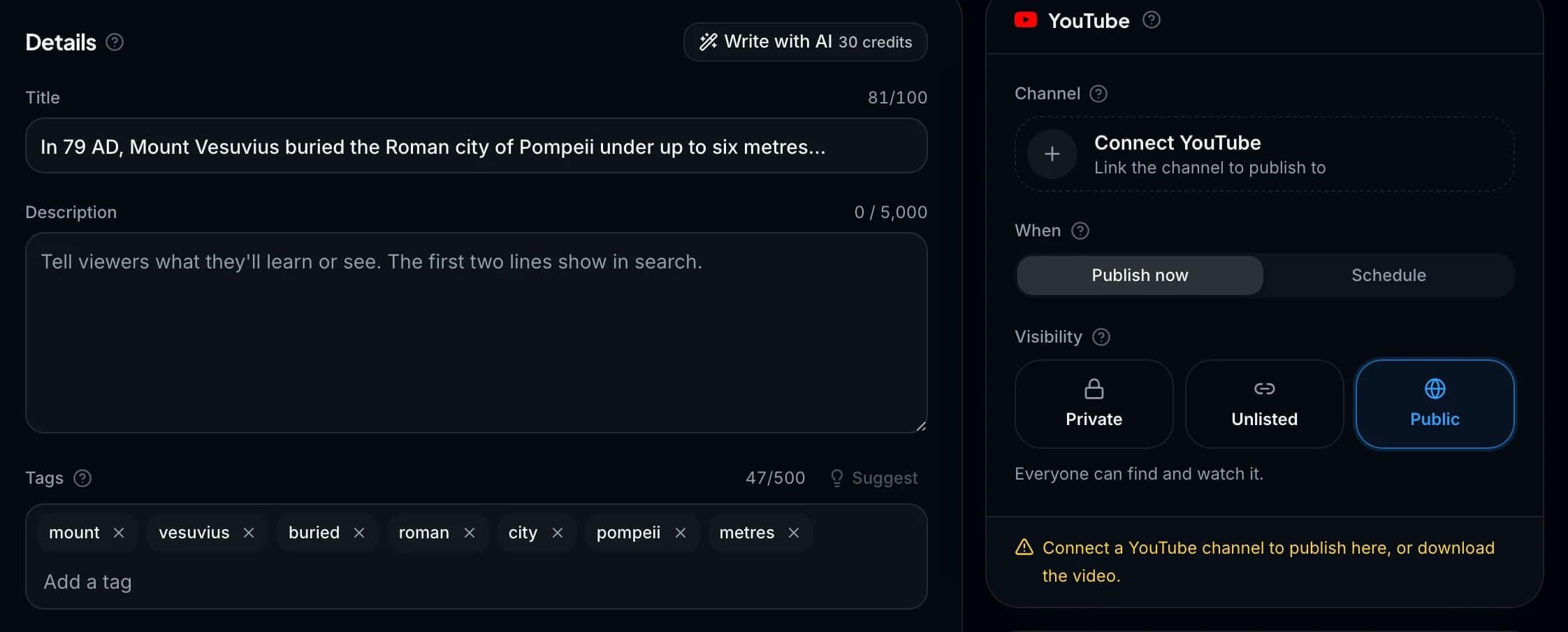
Title, description, tags and thumbnail, written with AI and checked against YouTube's rules, then published now or at the time you pick. The same render posts to TikTok.
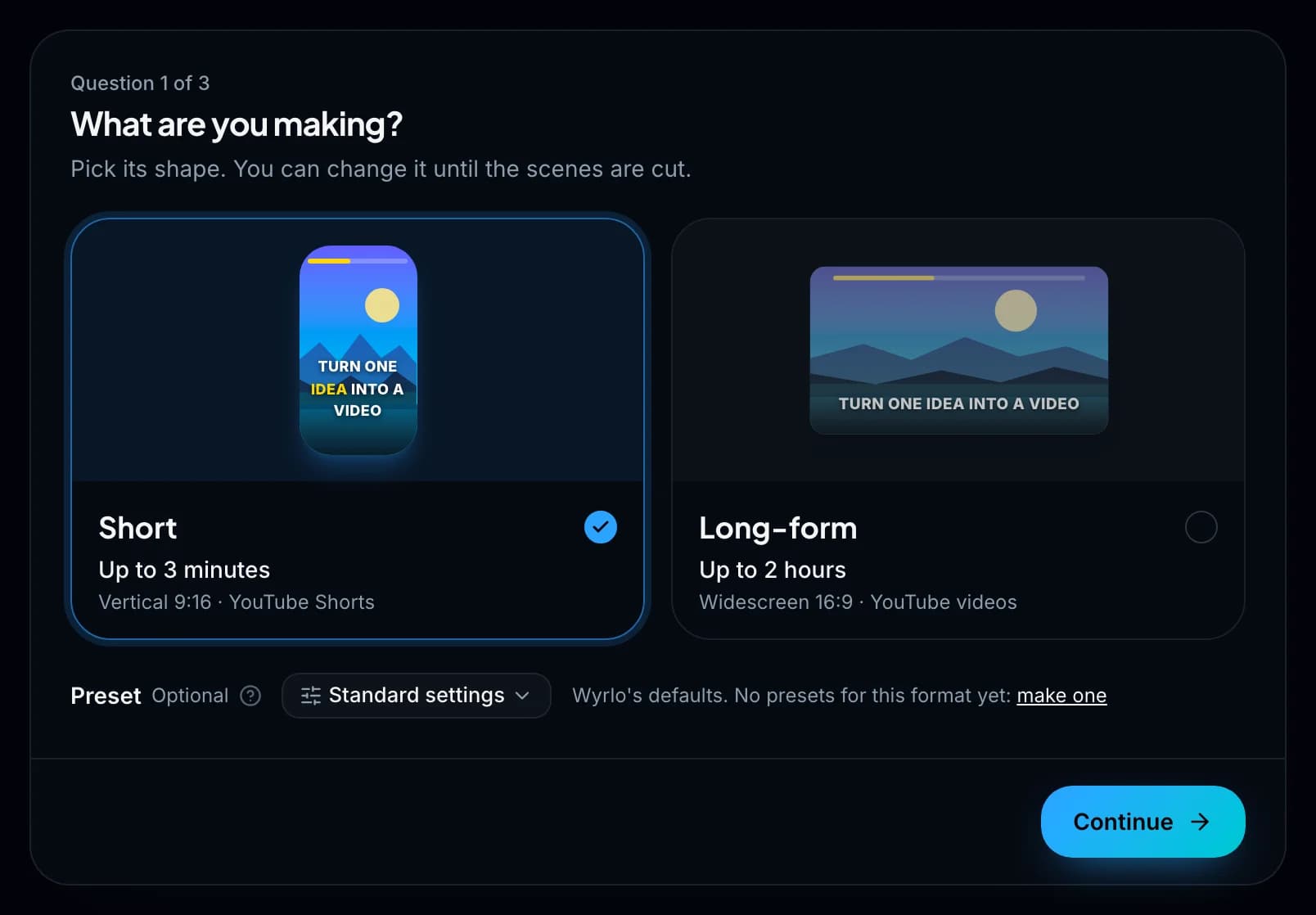
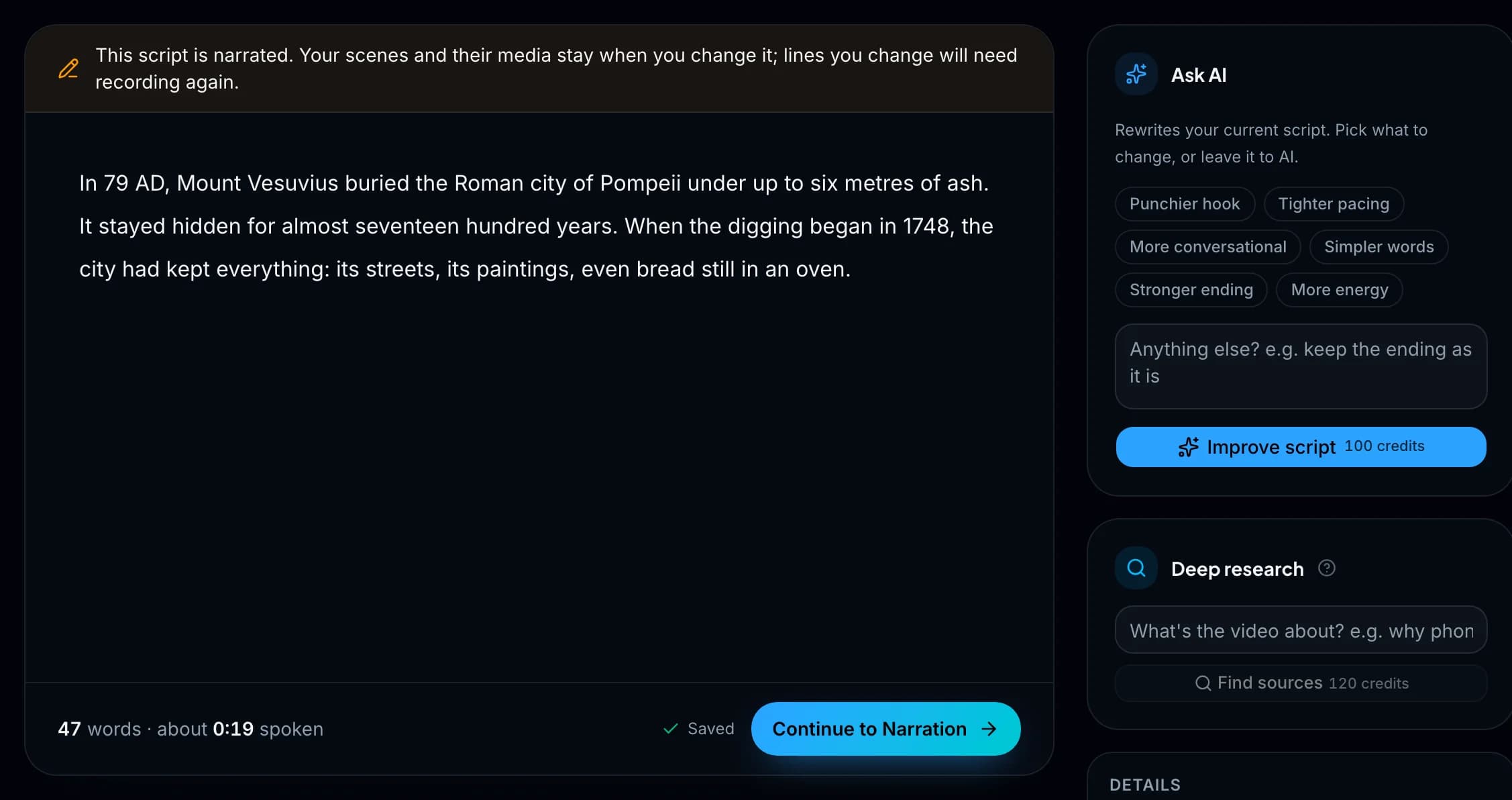
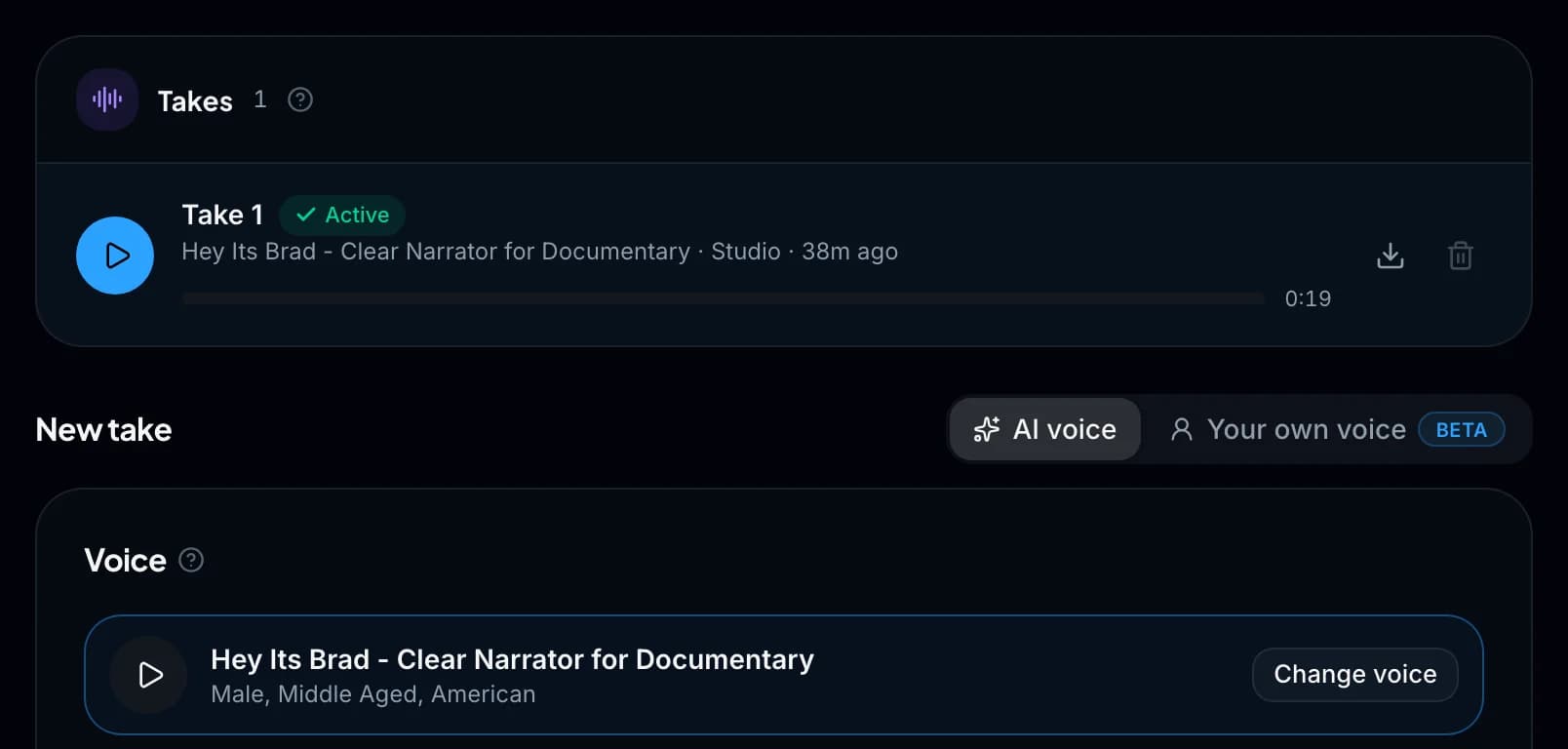
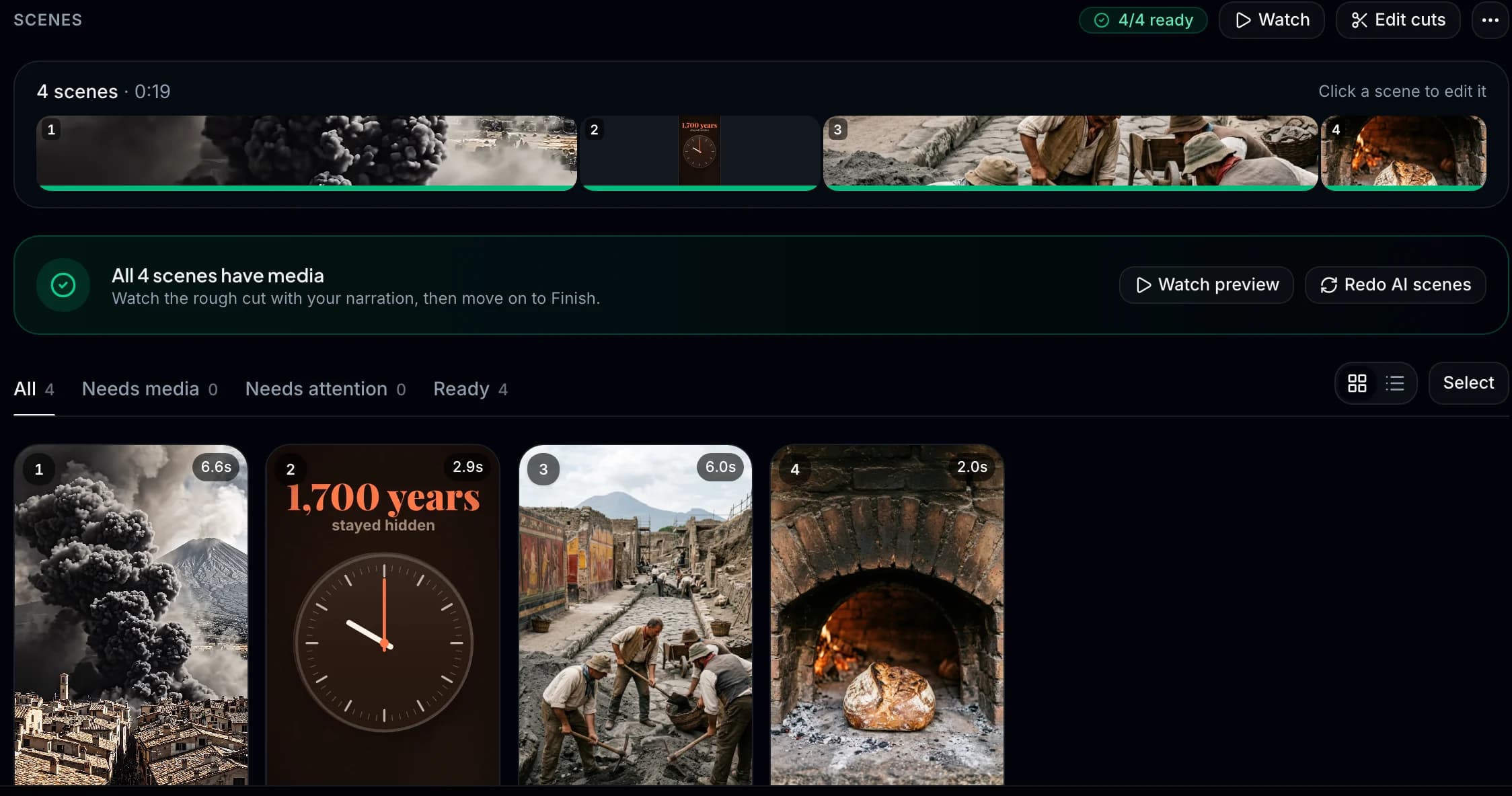
Three questions, then Wyrlo makes the rest.
Never a slideshow.

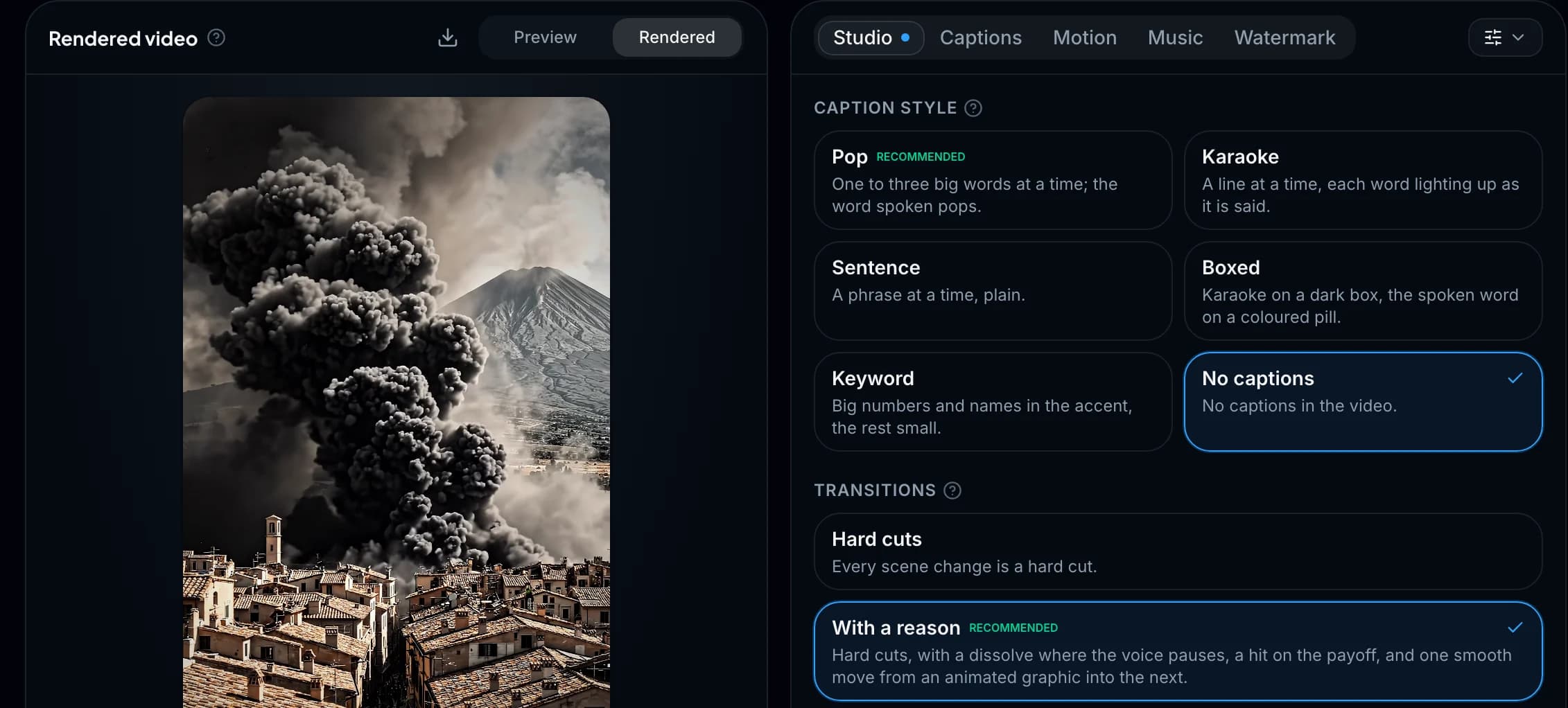
Captions on every word
Pop, Karaoke, Boxed, Keyword and Sentence on Shorts, 23 fonts, any colour. Callouts, emoji and your logo land on their words too.
Try the caption styles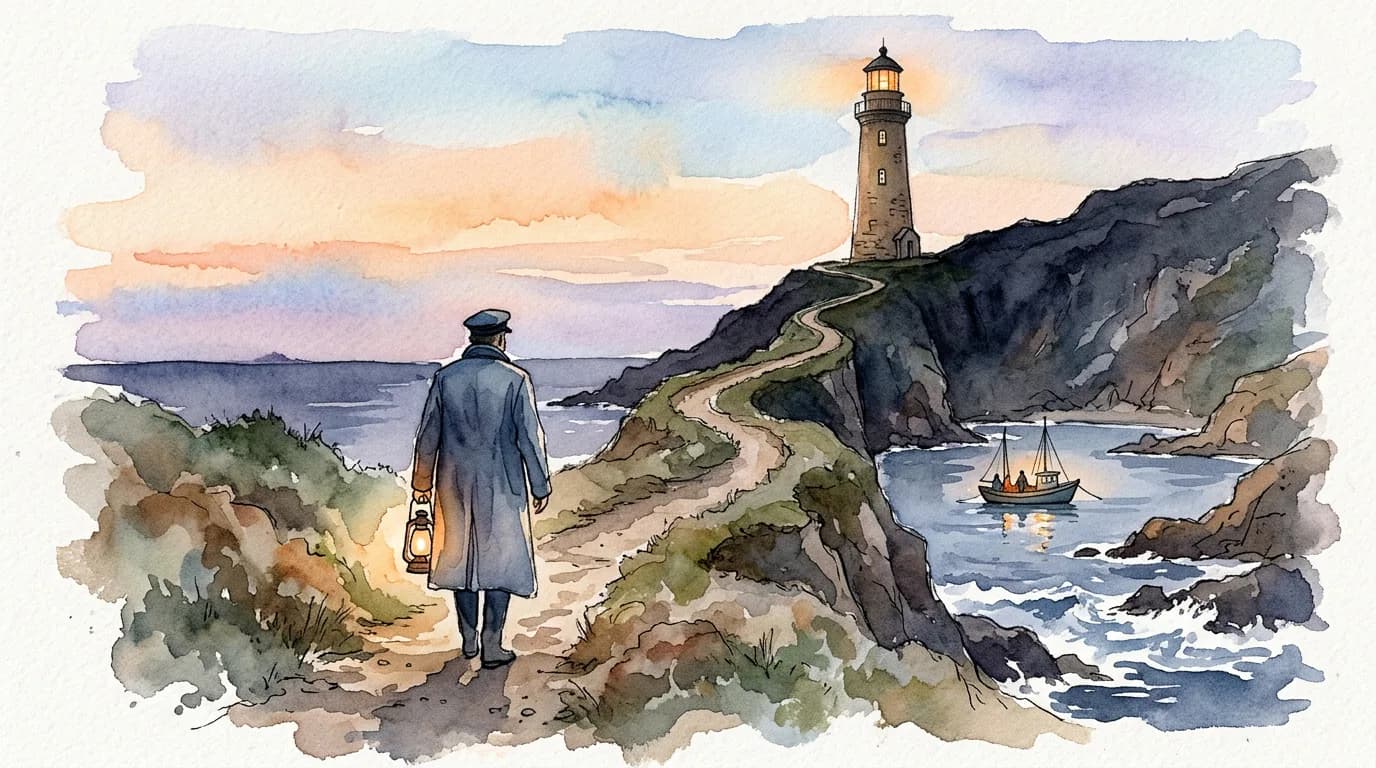
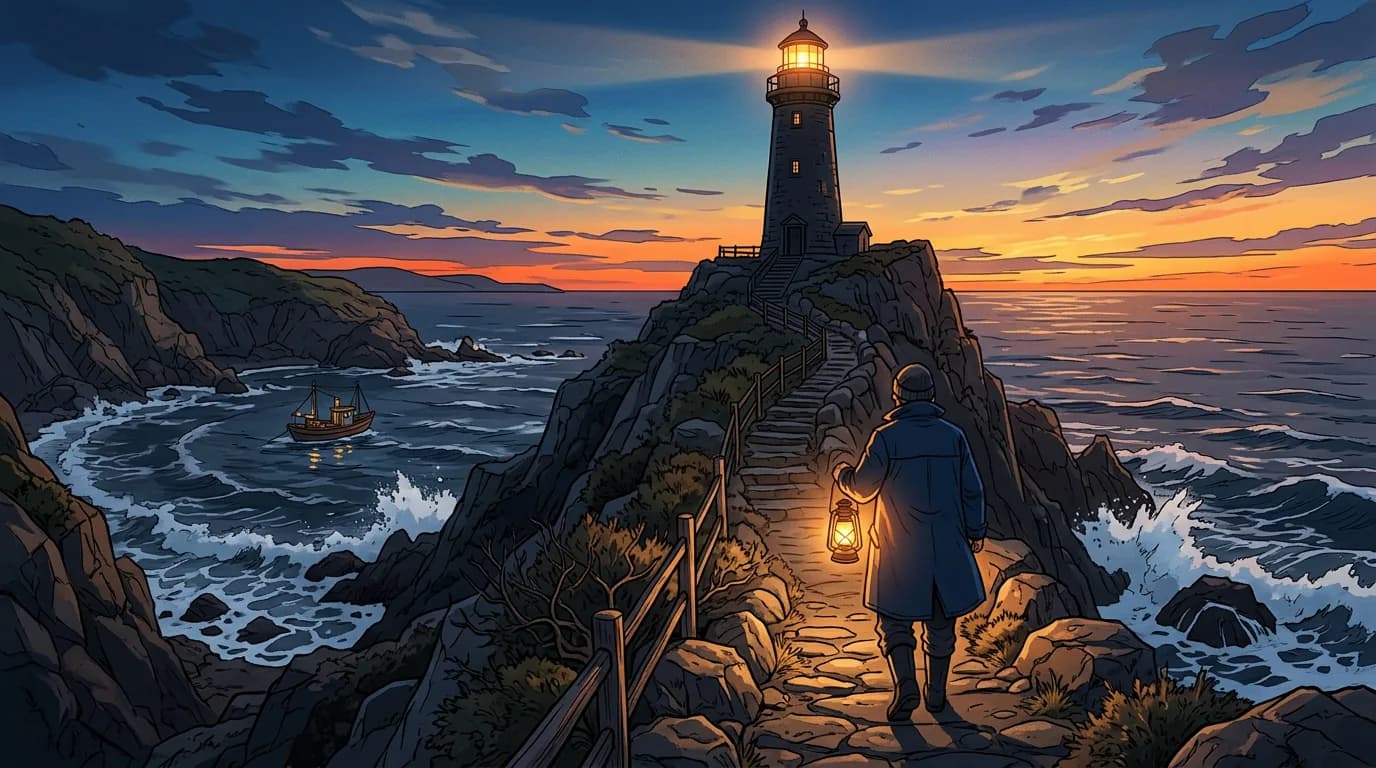
22 visual styles
One look for the whole video or one per scene, and the graphics follow it.
See all 22- Veo 3.1
- Sora 2 Pro
- Kling 3.0
- Runway Gen-4.5
- Seedance 2.5
- Wan 3.0
Veo, Sora, Kling and 65 more
Pick the model scene by scene: a Veo clip to open on, free stock for the rest.
Every modelThousands of voices, or yours
ElevenLabs' library, kept with tags, at Value or Studio quality, or your own voice recorded in the app.
Music and sound
A mood track picked for the video, or one made with AI, and a sound on every cut and graphic.
Straight to your channel
Publish to YouTube now or at a time you pick, and post the same render to TikTok.
Under a dollar a Short. No monthly bill.
$0.60
A 45-second Short in the recommended mix: stock footage, AI images and animated graphics, opening on a short AI clip. 591 credits, from packs that start at $9 and never renew.
Or the usual six subscriptions
- ScriptsA chatbot subscription
- VoiceoverA voice app
- VisualsAn image or video generator
- Editing and captionsA video editor
- ThumbnailsA design tool
- PostingA scheduler
Together$90–100 a month
One Short on each tool's entry plan, before fees and tax. Public prices, September 2026.
Wyrlo (stock + AI voice)≈ $0.50
$19, bought once for about 38 one-minute Shorts
Wyrlo (AI images)≈ $0.77
$19, bought once for about 24 one-minute Shorts
Faceless.so≈ $1.16
from $29/month for about 25 videos
AutoShorts.ai≈ $1.15–1.58
$19–69/month for about 12–60 Shorts
Zebracat≈ $2.60
15 videos for $39/month
Made, not mass-produced.
YouTube's inauthentic content policy demonetizes videos that look template-made. Wyrlo builds each one scene by scene, from real sources, with its own mix of footage, graphics, captions and music. No tool can promise monetization; YouTube decides. Wyrlo is designed so your videos give it every reason to say yes.
Packs from $9. Nothing renews.
1,000 credits = $1 in every pack · bought once, nothing renews
Creator
$49once
49,000 credits
A channel that posts every day.
- About 64 one-minute Shorts in the recommended mix, or up to 99 from stock footage
- Credits last 3 months; buying again carries what's left to the later date
- 5 YouTube channels, 5 TikTok and 5 Instagram accounts, 2 videos at a time
- Every tool and every AI model
You pay once, through PayPal, after you sign up. Nothing renews.
Straight off the render.
Short · 1:05
What is Wyrlo AI?
Wyrlo AI (Wyrlo for short) is an AI video generator for YouTube channels and businesses. It turns a topic into a finished, published video: it can research the topic, writes the script, records an AI voiceover, cuts the voiceover into scenes, fills each scene with AI video, AI images, animated graphics (numbers, charts, maps and timelines drawn for the words being said), stock footage or your own clips, adds captions, motion, overlays, music and sound effects, renders the video and publishes it to YouTube. It makes Shorts (9:16) and long-form videos (16:9) in the same workflow.
Can Wyrlo make the whole video for me?
Nearly all of it. Type a topic or paste a script and Wyrlo AI researches it, writes the script, records the voiceover, cuts it into scenes and plans what fills each one; on the storyboard one press makes every scene, and the video renders with its captions, music and look already set. You move it from step to step and see each step's price first. Make it for me, which runs every step from one press and stops once at the storyboard, is switched off for now and coming back soon. Nothing is published without you.
Can Wyrlo make animated charts, maps and infographics?
Yes. Animated graphics are a scene type in Wyrlo AI: where the narration gives a number, a comparison, a list, a date or a place, the AI picks a shot for that moment (a big number, this vs that, a bar or line chart, a bar race, a funnel, a timeline, a map that flies between the places named, a gauge, animated words and more), fills it with the script's own words and numbers, and lands each beat on the word it belongs to, with a sound if you want one. It comes in five looks, in 9:16 and 16:9, and you can change any word in it for free.
How is Wyrlo different from autopilot faceless video tools?
Autopilot tools post on a schedule with nobody in the loop, and they are fast because every video comes out of the same template, which is the kind of video YouTube's inauthentic content policy demonetizes. Wyrlo builds each video scene by scene: AI picks a visual type for every scene, cuts are timed to the voiceover word by word, and you can change the script, any scene, its model, its style and the whole edit before you render. Every step shows what it will cost before it runs, and nothing is published without you.
Will my videos get demonetized?
No tool can promise monetization; YouTube decides. What YouTube's inauthentic content policy targets is template-made, mass-produced video. Wyrlo is built for the opposite: your topic and angle, research from real sources, a deliberate choice for every scene, a mix of AI video, AI images and real footage, and your own captions, motion, overlays and music on top.
How many YouTube channels can I run with Wyrlo?
With the Pro or Network pack there is no limit on the YouTube channels one Wyrlo account can link, in any mix of niches (Mini links one, Starter two, Creator five). Each channel keeps its own niche, which steers topic ideas and scripts, and the Channels page tracks subscribers, views and videos for every one of them.
How much does a video cost?
Videos are paid in credits. With Wyrlo writing the script, a 45-second Short made from stock footage and an AI voice uses 411 credits, a 1-minute Short 491, and a 10-minute video 2,247. In the Starter pack ($19 for 19,000 credits) that 1-minute Short comes to about $0.50. What a video uses depends on how many scenes you want and what fills them: AI video starts at 63 credits a second and AI images at 15 credits each, while stock footage, your own media, editing and re-renders are free.
Your next upload starts with one line.
Type a topic or paste a script. Sign-up is free; videos use credits, from packs at $9 that never renew.
Already have an account? Sign in