AI video styles 22 looks, for a whole video or one scene.
See them move.
Real samples from Wyrlo's style presets, playing the way a render does, with captions. Switch the preview between a Short and long-form.
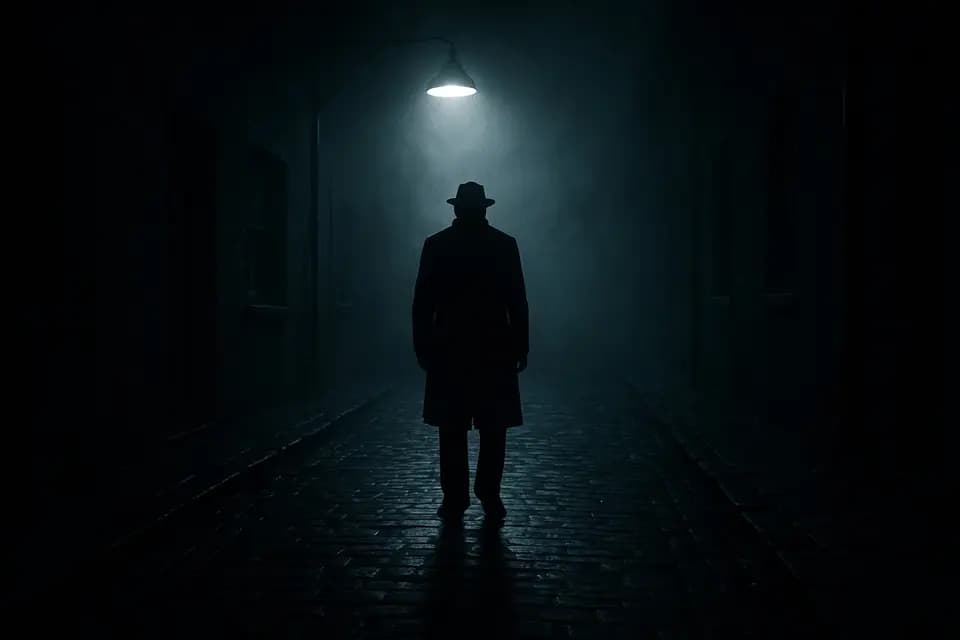
Sample scene 1 of 6, Mysterious style: One idea.
AI image scenes, one style each
All 22, and the graphics each one gets.
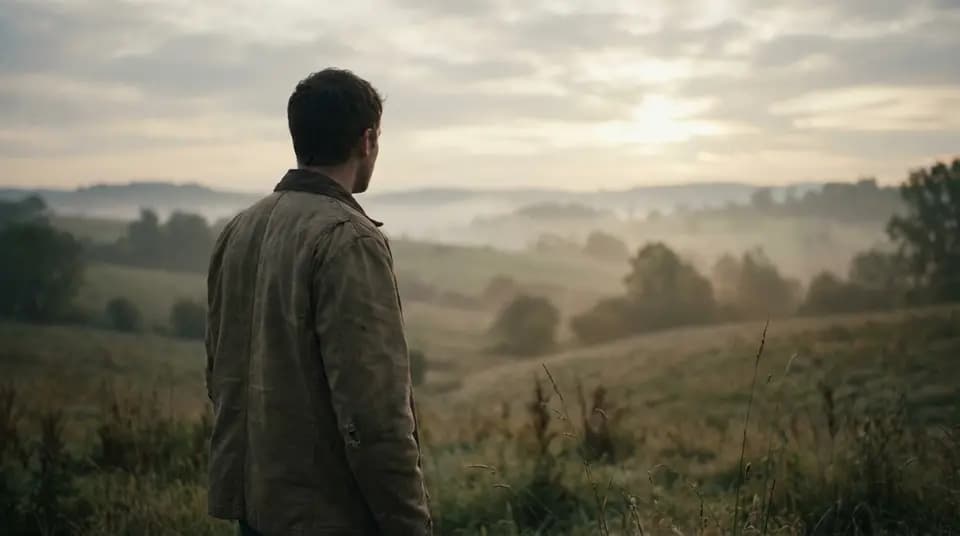
RealisticGraphics: Studio, Midnight gold MysteriousGraphics: Documentary, Ink and ice 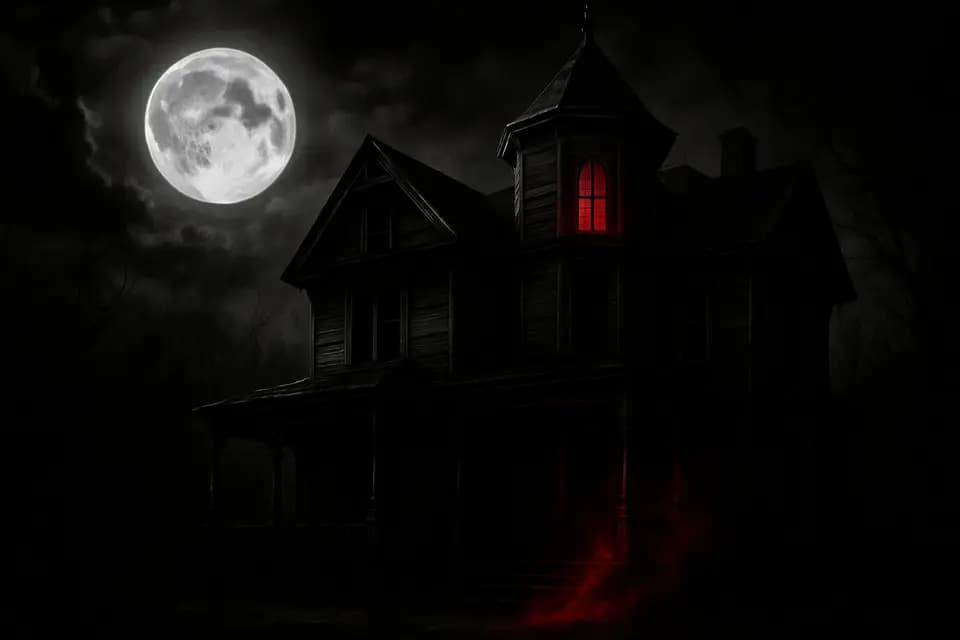
HorrorGraphics: Documentary, Blood moon 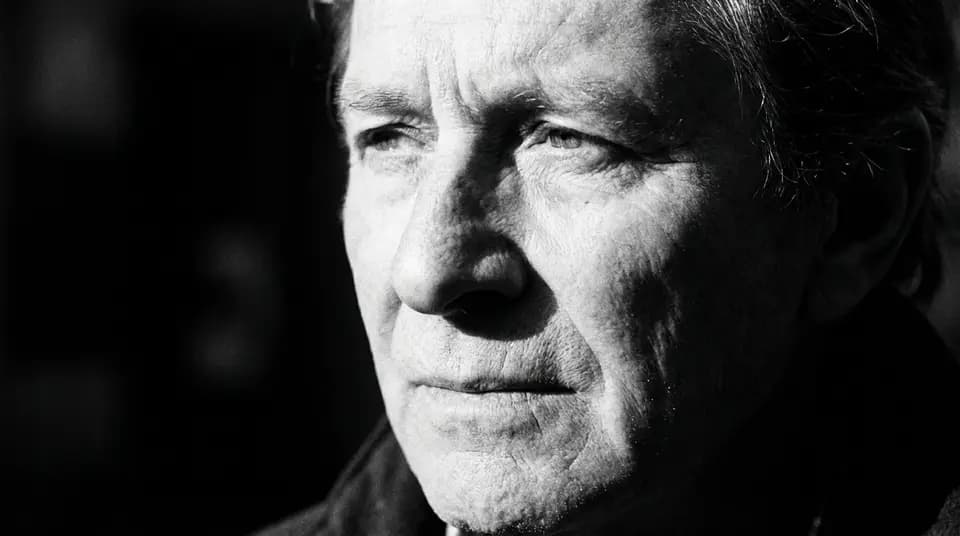
B&WGraphics: Documentary, Graphite 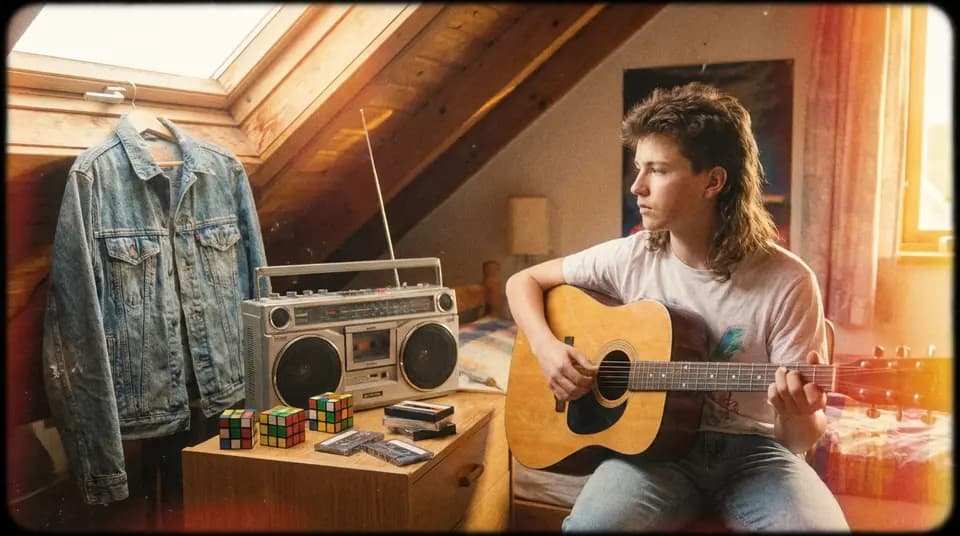
VintageGraphics: Documentary, Sepia 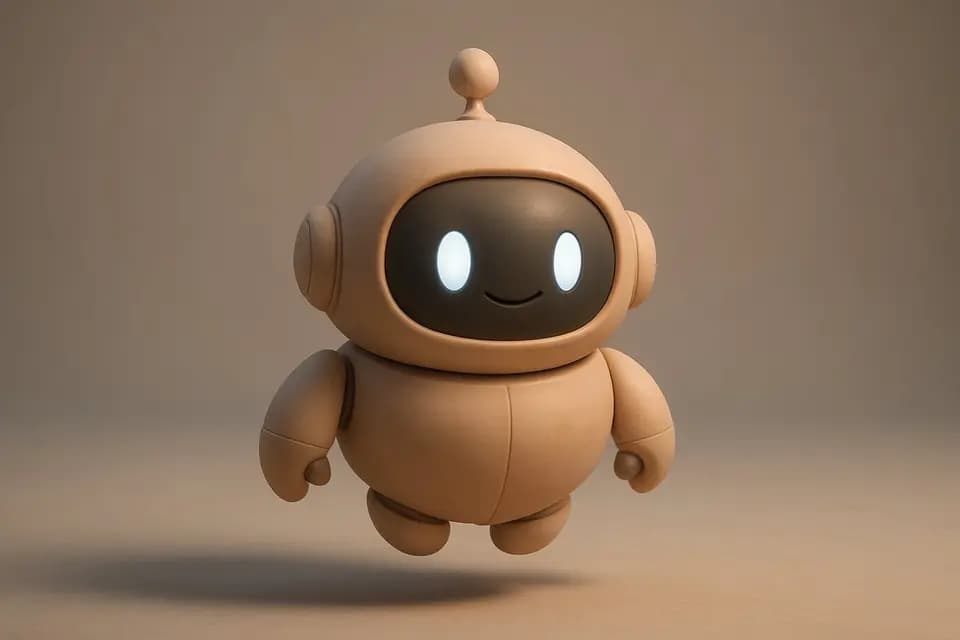
3D RenderGraphics: Studio, Ember 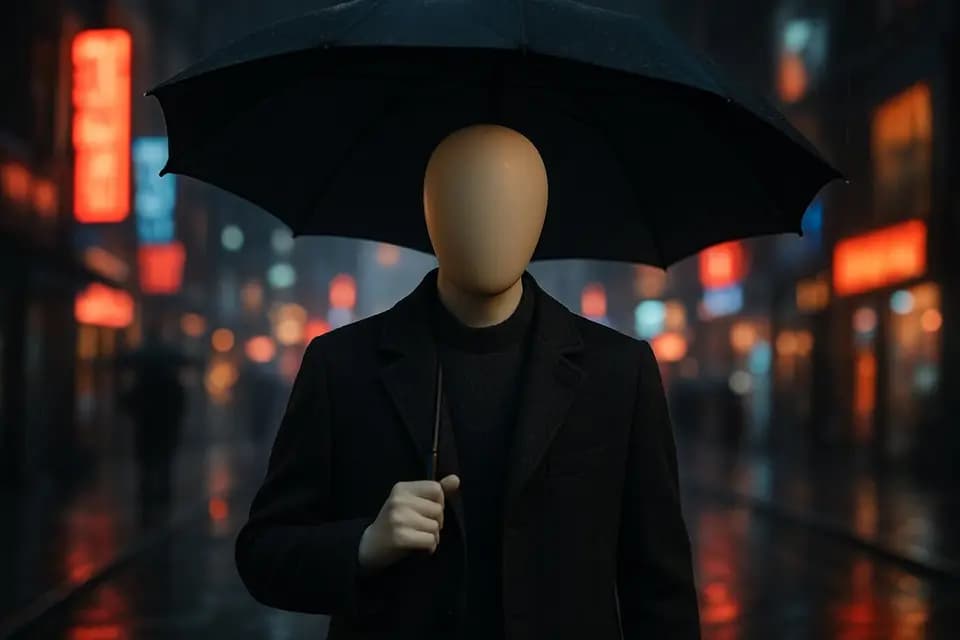
MannequinGraphics: Clean, Graphite 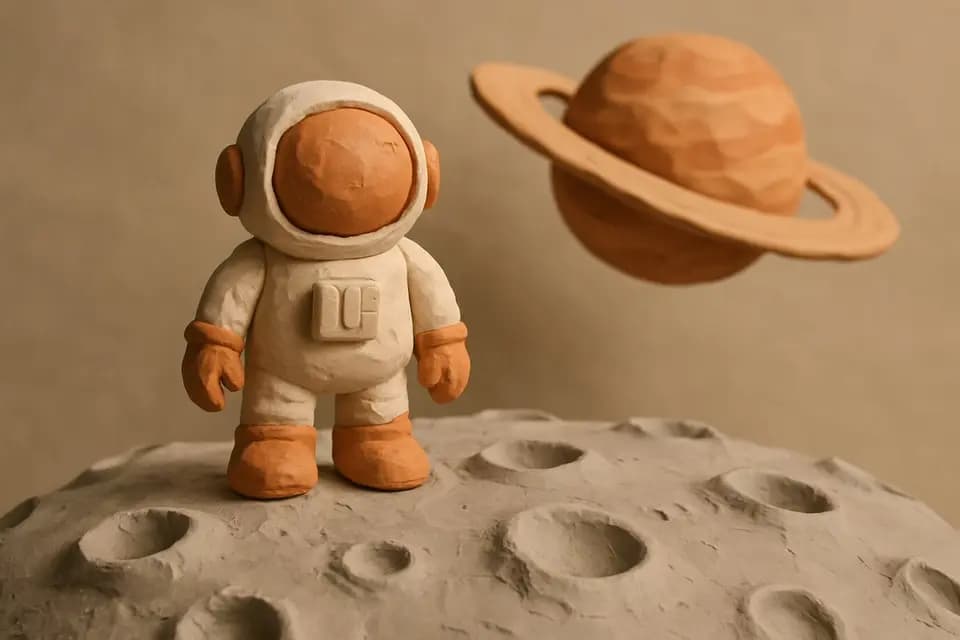
ClaymationGraphics: Bold, Forest 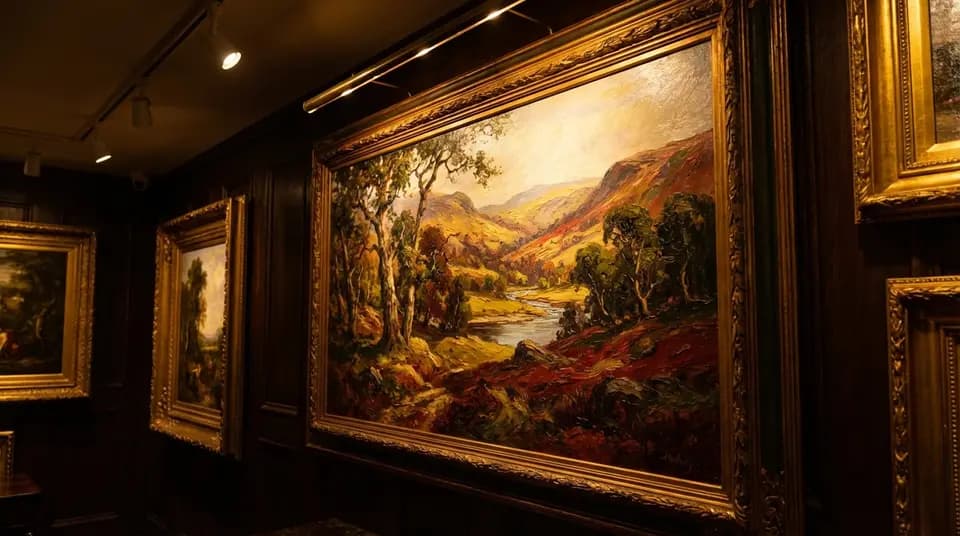
Oil PaintGraphics: Documentary, Sepia 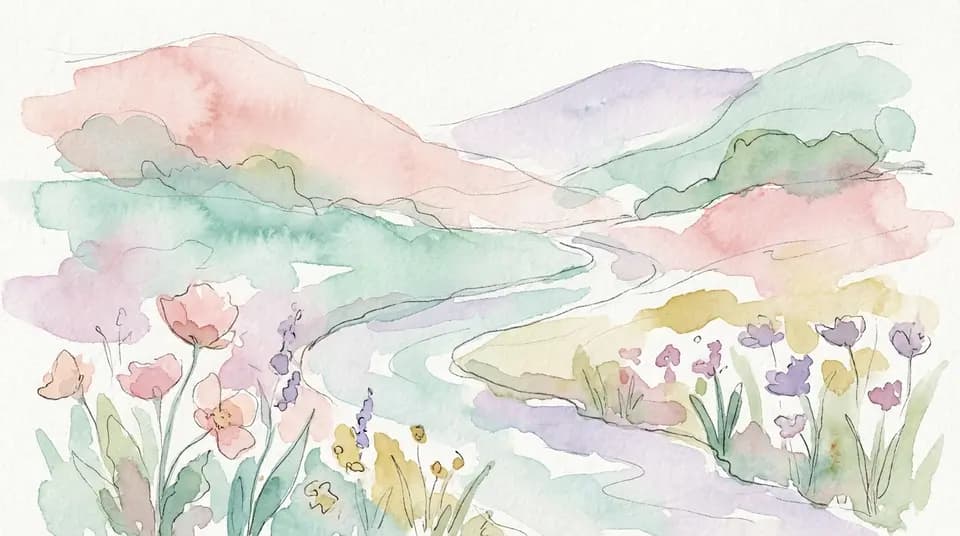
WatercolorGraphics: Clean, Clean paper 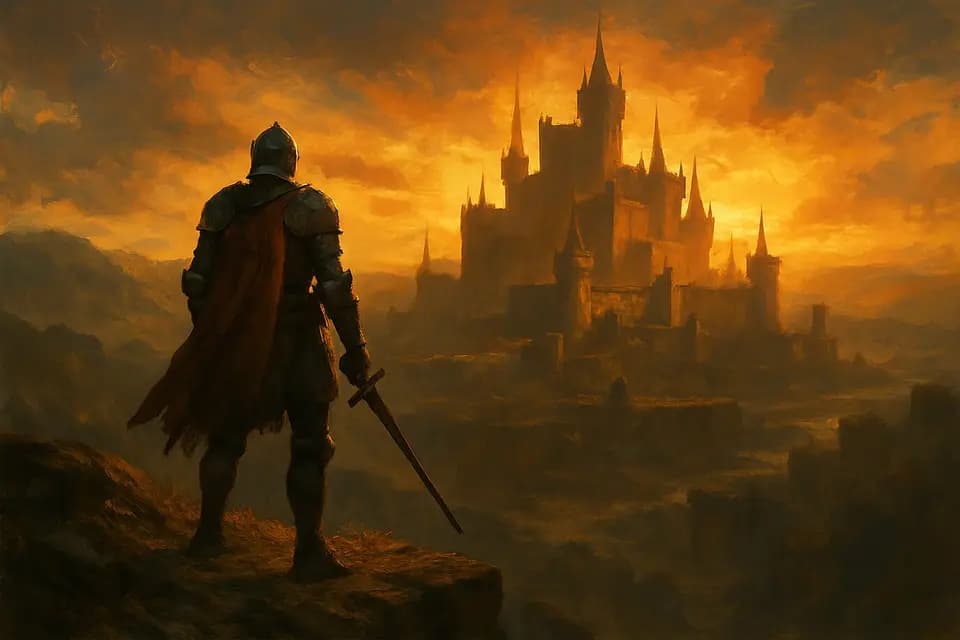
Fantasy ArtGraphics: Studio, Ink and ice 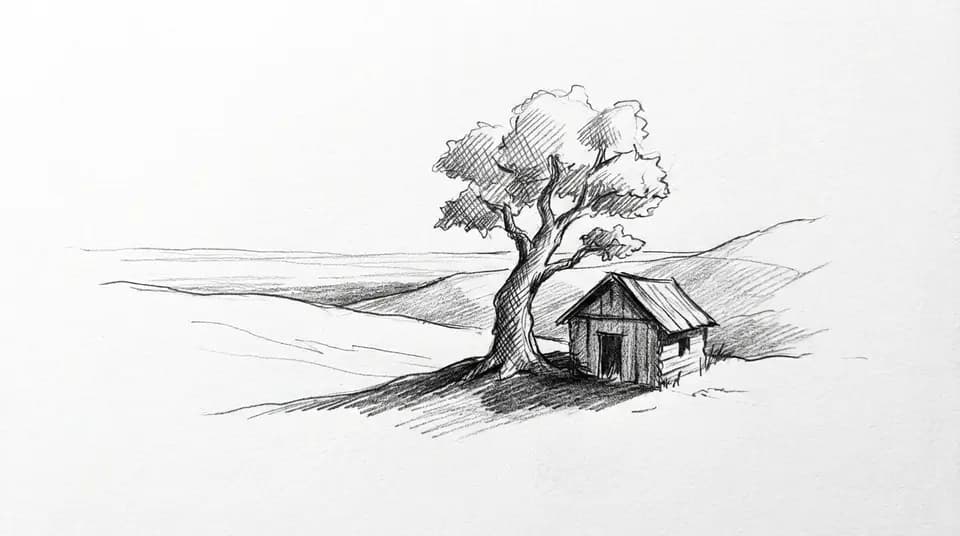
SketchGraphics: Documentary, Clean paper 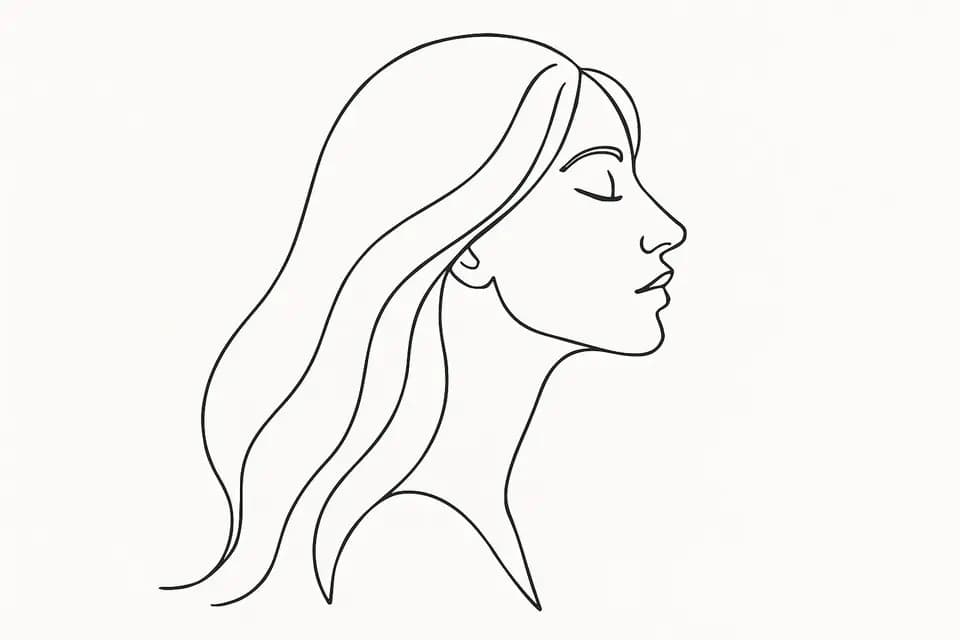
Line ArtGraphics: Clean, Whiteboard 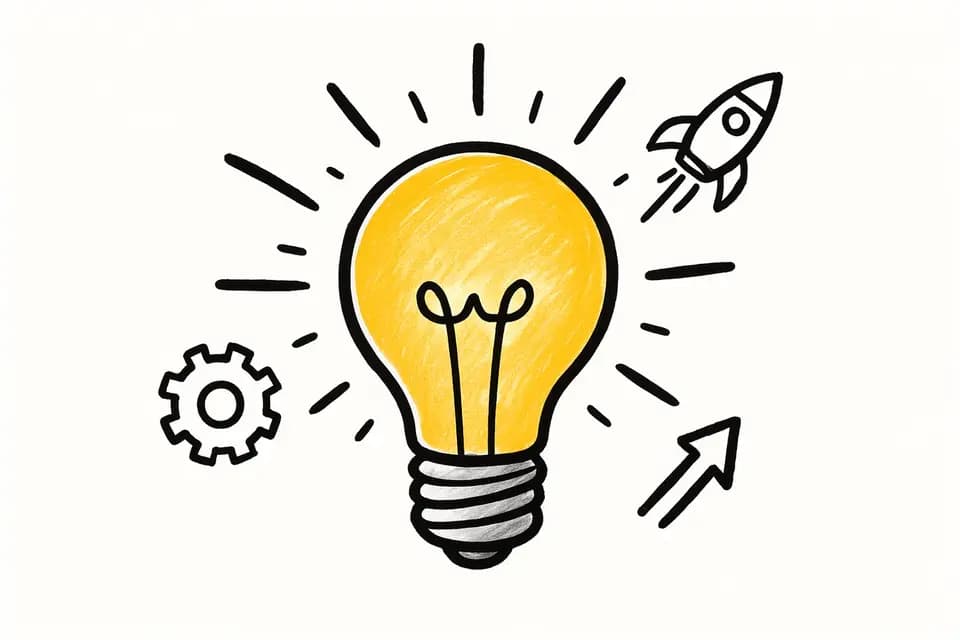
WhiteboardGraphics: Clean, Whiteboard 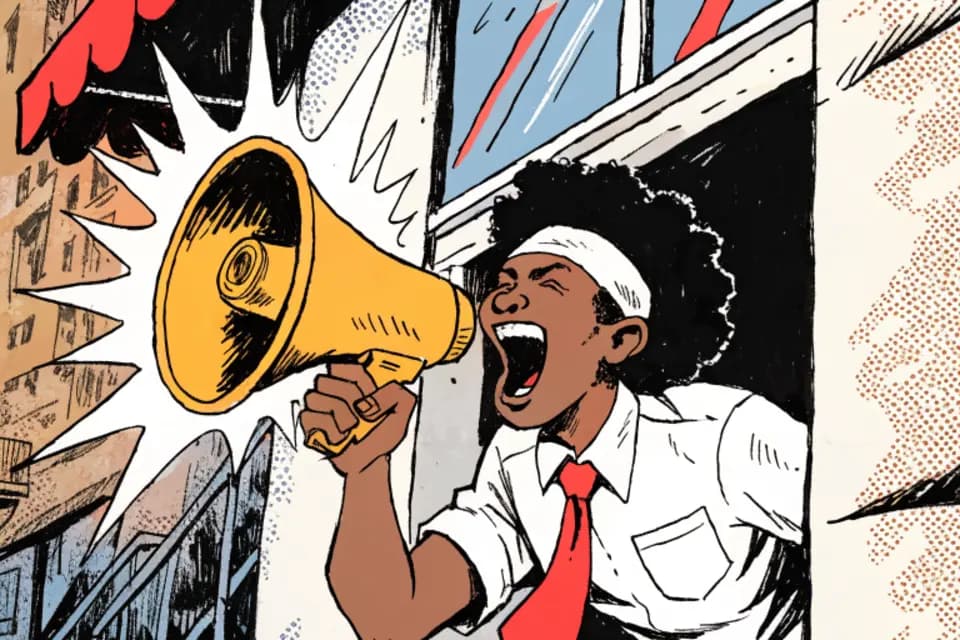
ComicGraphics: Bold, Comic pop 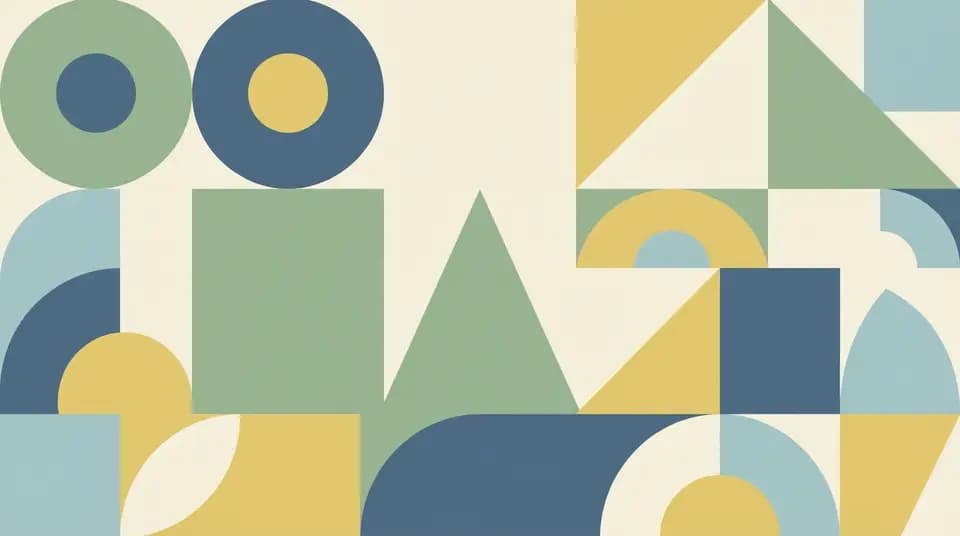
Minimal FlatGraphics: Clean, Clean paper 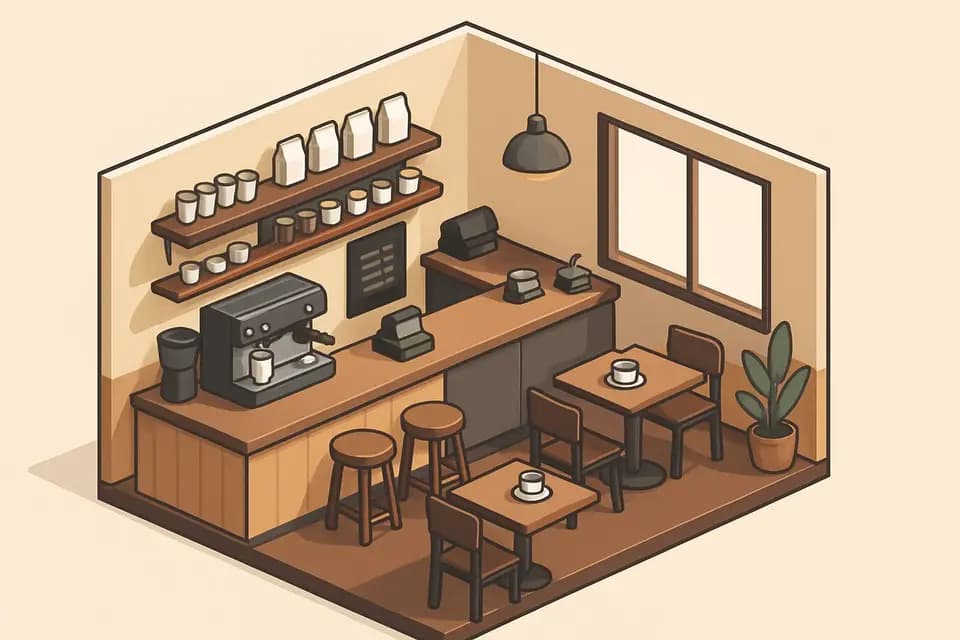
IsometricGraphics: Tech, Clean paper 
ExplainerGraphics: Clean, Whiteboard 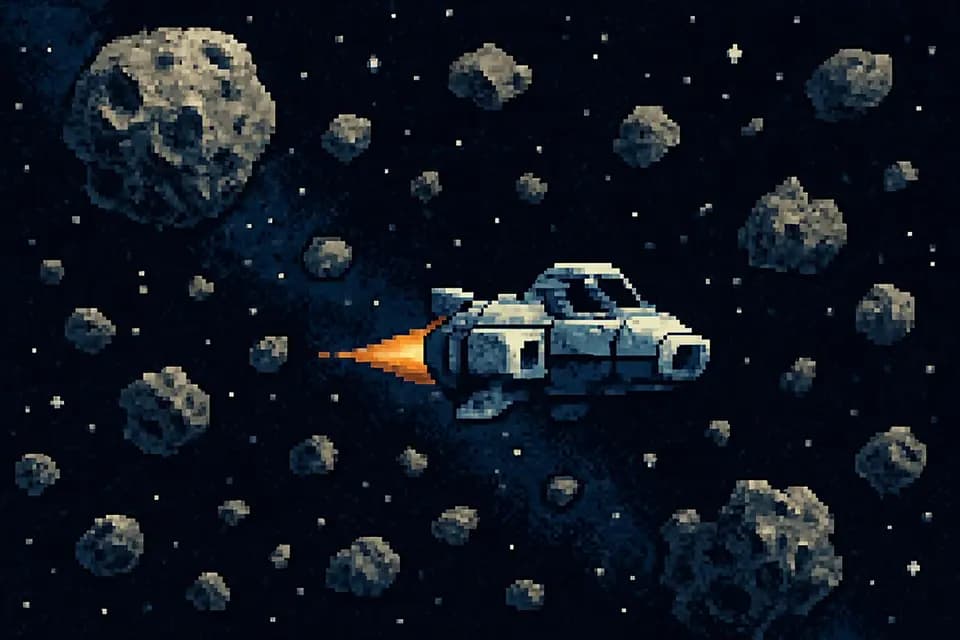
Pixel ArtGraphics: Tech, Neon 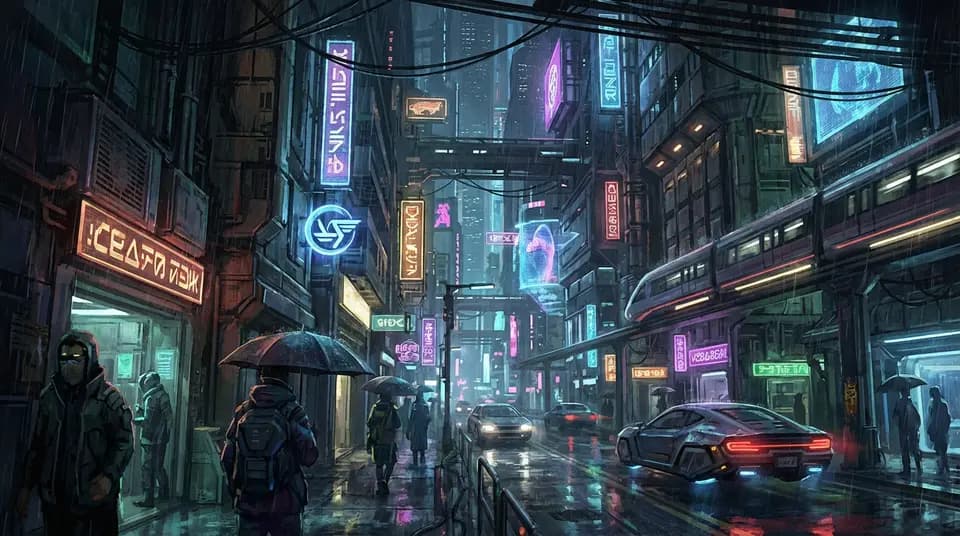
CyberpunkGraphics: Tech, Neon 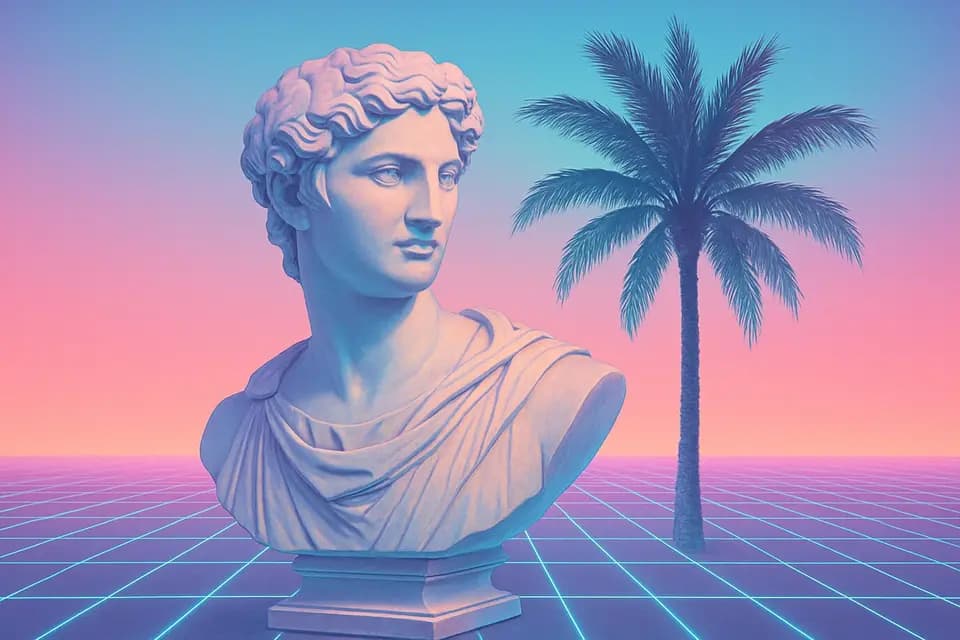
VaporwaveGraphics: Bold, Vapor 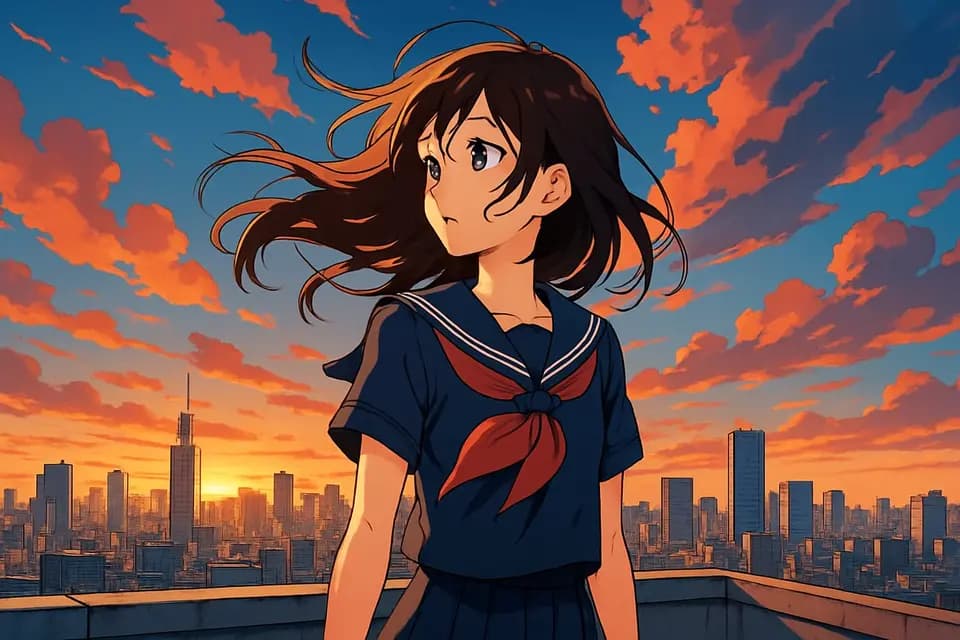
AnimeGraphics: Bold, Ember
How styles are used.
- For the whole video
- Pick one style and every AI image and clip is made in it, or let the AI pick the look that suits the video.
- Scene by scene
- Give any scene its own style, or many scenes at once, when a part of the video should look different.
- Your own
- Describe a style in your own words and it is used like a preset.
- Graphics that match
- Animated graphics take a look and colours from the style, so a vintage video gets paper and sepia, a cyberpunk one neon.
- Stock and uploads too
- One colour grade over every photo and clip on a Short, so stock, AI and your own footage look like one film.
Questions about styles
Are Wyrlo videos just slideshows?
No. Wyrlo mixes AI video clips, AI images, animated graphics and stock footage in one video. Numbers count up and charts, timelines and maps draw themselves on the words that name them, every still moves, and transitions come where there's a reason. It adds animated captions, callouts, emoji, logos, music and sound effects, and every cut is timed to the voiceover word by word.
Which AI models does Wyrlo support?
Wyrlo supports 22 AI video models, including Google Veo 3.1, OpenAI Sora 2 Pro, Kling 3.0, Runway Gen-4.5, ByteDance Seedance, Alibaba Wan and xAI Grok Imagine; 46 AI image models, including Nano Banana Pro, GPT Image 2.5, FLUX.2, Recraft V4.1, Seedream 5.0 and Qwen Image 3; and 460+ language models for research and writing, from Claude, GPT, Gemini, Grok, DeepSeek, Qwen and more. Voices come from ElevenLabs. New models appear as they launch on OpenRouter.
Can Wyrlo make animated charts, maps and infographics?
Yes. Animated graphics are a scene type in Wyrlo AI: where the narration gives a number, a comparison, a list, a date or a place, the AI picks a shot for that moment (a big number, this vs that, a bar or line chart, a bar race, a funnel, a timeline, a map that flies between the places named, a gauge, animated words and more), fills it with the script's own words and numbers, and lands each beat on the word it belongs to, with a sound if you want one. It comes in five looks, in 9:16 and 16:9, and you can change any word in it for free.
Pick a look and make your first video.
Create an account, confirm your email and you're in. You'll see the price of every video before you make it.