AI video generator features One AI video studio instead of six subscriptions.
Wyrlo does the jobs of a chatbot, a voice app, an image or video generator, an editor, a thumbnail tool and a scheduler: research, script, voice, scene breaks, 22 AI video models, 46 AI image models, free stock, a clip timeline, callouts, captions, motion, music and publishing. Each step already knows what the last one did, so nothing gets exported between apps.

Topic ideas and research
Start from a hunch, or from nothing at all.
- Find a topic with AI
- 50 ideas from what the AI knows, or 75 when you add a live web search of recent news, trending and viral, Reddit and Quora. Each idea says where it came from, and you choose the kind you want: hot right now, controversial, forgotten, little known, myths, mysteries and eight more.
- Make it for me
- One click from a topic to a finished video. It writes, voices, cuts and prompts the scenes, then stops once at the storyboard to show you the scenes and the price before it makes them and renders.
- Channel niches
- Describe what each channel covers, who it's for and what you want from it, and topic ideas, research and scripts follow it.
- Research with real sources
- An optional web-search research pass before the script is written. Sources are real pages the search read, not AI-invented links. They stay with the video, on its Script page.
- Your choice
- Both web searches are yours to switch on or off, each at its own price in credits. Type a topic and go.
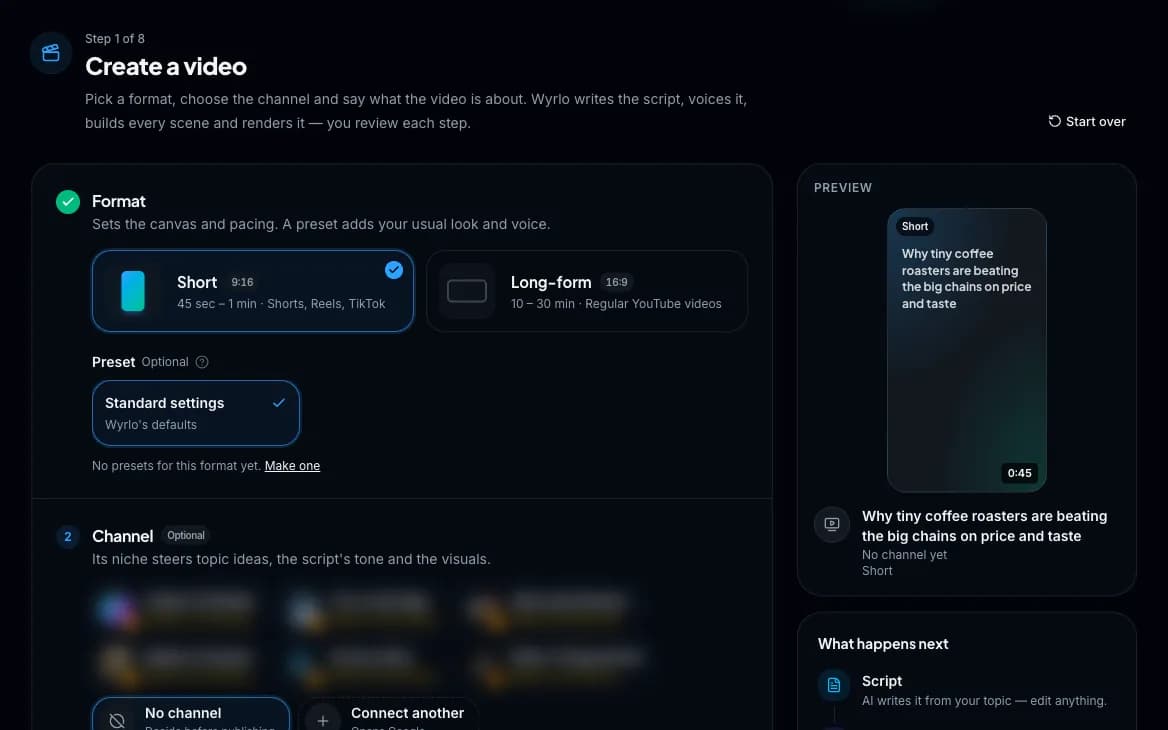
Script writing
A writing editor, not a text box.
- AI-written scripts
- From a one-line topic at the length you pick: 45 seconds, 1, 2 or 3 minutes for Shorts; 4, 10, 15, 20 or 30 minutes, 1 or 2 hours for long-form, or any length you type. Or paste your own.
- 13 script styles plus Auto
- Educational, storytelling, fiction, documentary, listicle, hot take, motivational, tutorial, news recap, myth-busting, comparison, case study and Q&A, each with a sample opening line so you can hear the difference.
- Live targets
- Word count, spoken length and whether you're on target, as you type. Saves automatically.
- Ask AI
- One-click directions (punchier hook, tighter pacing, more conversational, simpler words, stronger ending, more energy) plus your own notes, or start over with a new angle. Every rewrite can be undone.
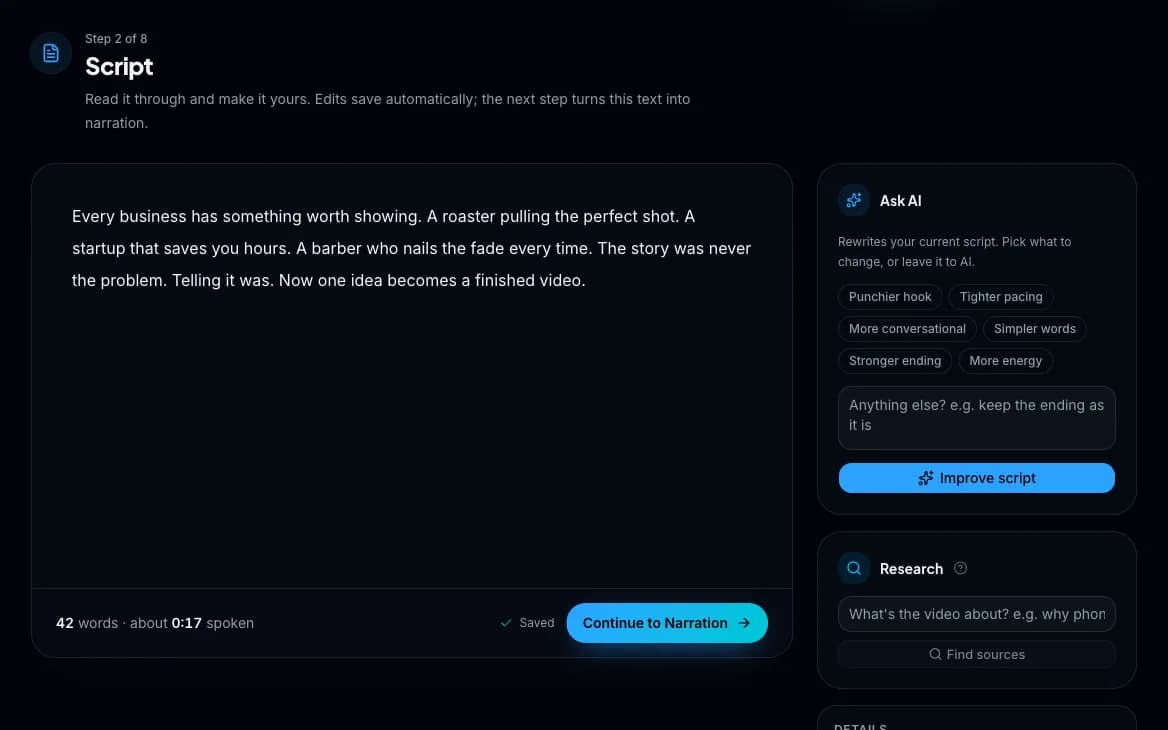
Narration and voices
Voices that sound like a channel, not a robot.
- The full ElevenLabs library
- Thousands of voices, searchable by gender, age and accent. Preview any voice before you use it.
- Your own voice library
- Keep the voices that fit your channels, with tags to find them by. The ones you used lately are one click away on every video.
- Design a custom voice (coming soon)
- Describe it in plain English (tone, style, a line to read) and pick from three generated voices.
- Your own voice
- In beta: record yourself on the page or upload a recording of up to a minute. It's timed to the script word by word, or becomes the script if there isn't one yet.
- Re-voice changes
- Change a narrated script and only the changed lines are recorded again, in the same voice, while the scenes keep their media.
- Unlimited takes
- Record as many versions as you like, compare them in one player and switch the active one in a click. Nothing is overwritten.
- Word-level timing
- Every word's exact moment in the audio is known. That's what powers the captions, the scene cuts and the overlay timing.
- Two quality levels
- Value (fast, half the price, the default) and Studio (richer, more expressive, every language). The cost of a take shows before you record.
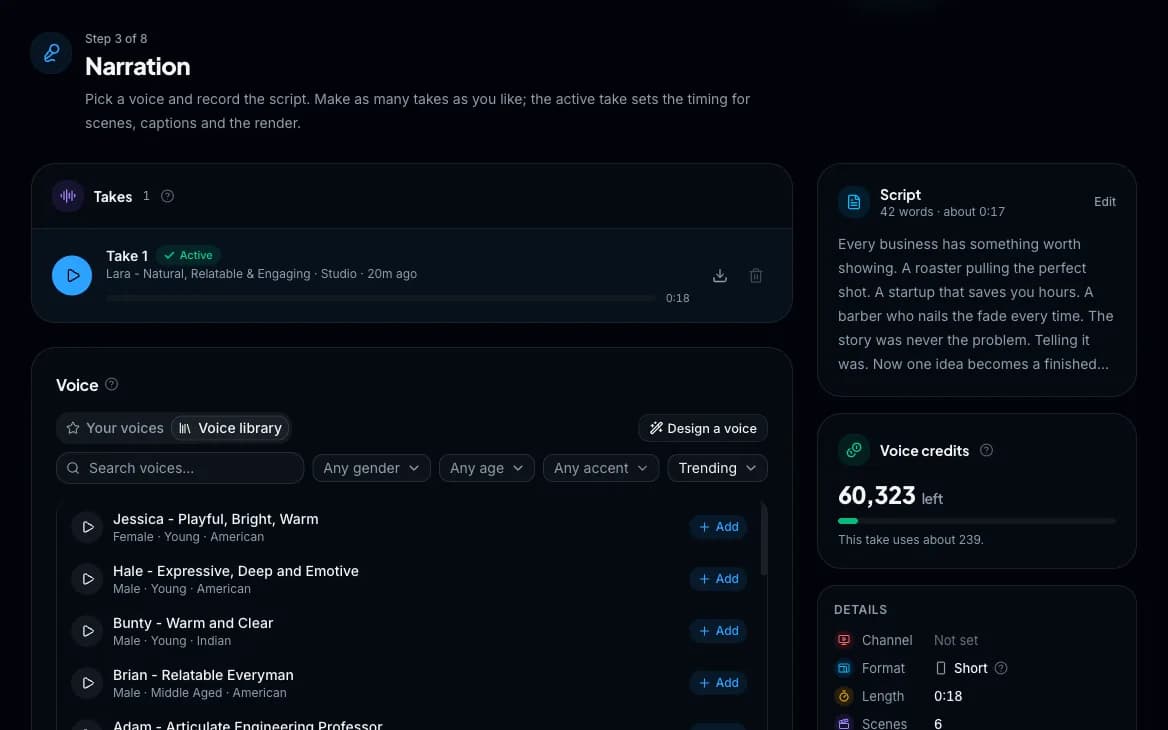
The storyboard
Scenes are cut after the voiceover exists, against its real timing, so every scene is exactly as long as what's said over it.
- An AI editor
- Reads the narration, cuts wherever the picture should change and gives each scene a visual type with a reason, never an AI likeness of a real person who may be alive and never a scene under a second. Left to decide, it opens on a short AI video and spends on AI only where stock can't show the moment. Or set the number of scenes and the mix yourself. From a dozen scenes to 300, and it never changes a word.
- Plan first, then make it in one press
- Shape the storyboard on the timeline before anything is made: cut, join and move scenes, set their types, click any scene to see its type and length. Finalize writes every scene's prompt and makes its media in one go, with the total shown first.
- Pacing presets
- Relaxed, Snappy or Rapid, or an exact scene count.
- Scene Mix presets
- Balanced (stock, AI images and animated graphics), AI images, animated graphics, stock-heavy, AI-heavy, your own media, or custom counts per type, with a live bar showing the mix before anything is spent.
- Cuts apply as you make them
- The cuts and the scenes are one page. A scene whose words didn't change keeps its media, and you're asked before a cut empties one.
- A timeline of the whole video
- Each scene a colored block sized by its length. Drag a break and it snaps between words. Zoom from the whole video down to single words.
- Edit by reading
- Click between any two words to cut a scene. Scenes under a second, or too long for a good AI clip, flag themselves. Undo, redo and autosave.

Scenes: AI video, AI images, animated graphics and stock
Mix sources per scene and pay for AI only where it matters.
- AI video
- 22 models, with each model's real clip lengths, resolutions and live price.
- AI images
- 46 models, from about two cents an image to premium quality.
- Animated graphics
- Words, numbers, icons, charts and maps that move with the voice. The AI picks a ready-made shot for each scene (a number that counts, several numbers at once, a comparison, a chart, a funnel, an overlap, a timeline, a list, a quote, a map), or designs one from things, cards and badges, fills it with the scene's own words, and Wyrlo draws it in the look you pick: Studio, Documentary, Bold, Tech or Clean. Edit their words for free, or ask for a change in your own words. Or show a real page (a Wikipedia article, an article from a link, or your own screenshot) that scrolls to the sentence being read and highlights it as it's said, free.
- Stock footage and photos
- Pexels, Pixabay and Unsplash, free, searched automatically from each scene's keywords.
- Your own media
- Upload per scene, or drop a folder and the files land one per scene, in order.
- Auto fill
- One screen for style, models, clip length and what gets made, with the estimated cost. Fills every empty scene at once and only charges for what it makes.
- A storyboard of the whole video
- Every scene as a card in the video's shape, filterable by what still needs work, with a strip across the top showing the whole video.
- Bulk actions
- Select scenes to change their type or people setting, or fill just those with AI images, AI video, stock or your files.
- People control
- Faces allowed, hide faces, or no people, per scene or across many.
- Model-safe prompts
- Each request is built from only what the model needs, within the strictest model limits, so a generation never fails for being too long. An Info link on every AI job shows exactly what was sent.
- Files library
- Everything you've uploaded or generated in one place: search, filter, preview, and reuse anything in any scene.

Character consistency
AI models forget who they drew in the last scene. Wyrlo doesn't.
- Automatic detection
- Recurring people in your script are found and described: appearance, age and features.
- Sent with every scene
- That description goes with every image and video generated for a scene they appear in, so a person doesn't change face halfway through.
- Yours to edit
- Change the description by hand any time.
Scene editor and timeline
Director-level control, without editing skills.
- One screen per scene
- Preview, narration, timeline and everything you can add, side by side.
- Play the scene
- Hear its narration while the preview cuts between clips on time and the spoken word lights up.
- Drag-and-drop timeline
- Reorder and resize clips. Nothing can be stretched past its real footage.
- Choose which part of a clip plays
- When a clip is longer than its slot, drag to pick the exact seconds you want.
- Frame each clip
- Fit the whole picture, fill the frame, or zoom and drag to choose what stays in view.
- No black gaps
- Removing a clip grows the others to fill the time, with Undo. Any leftover gap is one click to fill.
- Watch before you render
- A rough cut of the whole video with the voiceover, each clip cutting in on time.
- Keyboard-driven
- Arrows between scenes, N for the next scene that needs work, Space to play.
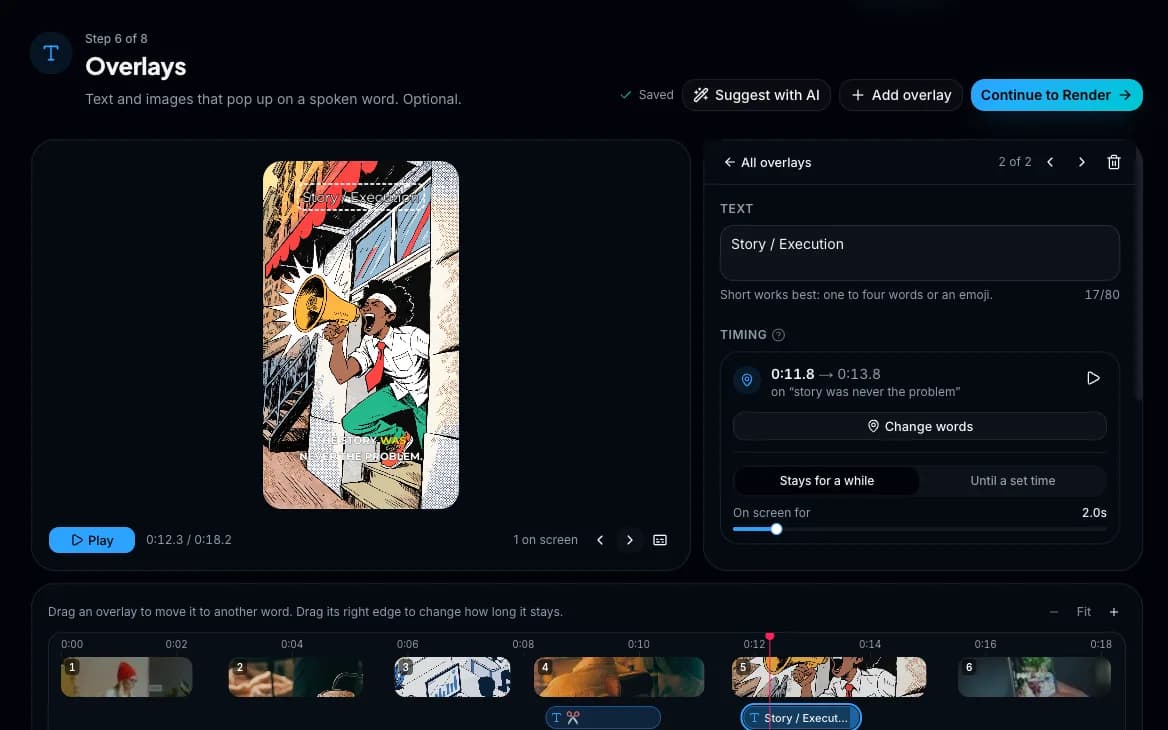
Overlays: callouts, emoji and logos
The layer that turns footage into a produced video.
- AI-suggested callouts
- Stat cards, contrast callouts, reactions, questions, step markers and name cards, styled to the script's type. Choose how many and what to focus on.
- Animated overlays
- An animation over the picture, with a clear background, on the words you pick.
- Emoji reactions
- Rendered as real animated emoji graphics.
- Image and logo overlays
- Upload any image, size it and place it top, middle or bottom.
- Placed on the exact words
- Pick the word it appears on and the word it stays until. Drag it along the overlay timeline, or double-click to add one.
- Full styling
- Five entrance animations, any color and size, a delay, a fixed end time and layer order, in a live preview with the voiceover.
Render: captions, motion, music and watermark
Set it in a live preview. The render matches it.
- Studio look for Shorts
- Five caption styles, transitions only where there's a reason, one colour grade over every source and sound effects on the cuts. The preview is exactly the file you get.
- Render a draft any time
- A scene that's still empty shows a title card of its words, so you can watch the whole video before every scene is made.
- Animated captions
- Four styles (highlighted word, sing-along, one word at a time, full sentence), 23 fonts, any highlight color, size, weight and position.
- Motion
- Eight zoom and pan moves, or a different one every shot. Every edit is reproducible, and Shuffle rolls a fresh one.
- Transitions and color
- Five transitions or a plain cut, and four color looks.
- Background fill
- Footage that doesn't fit the frame sits on a blurred copy of itself (or black, or white), never stretched.
- Progress bar
- At the top or bottom, in any color.
- Background music
- Every new video starts with a looping track picked for what it's about, from twenty moods: cosmic for space, grand for history, tense for true crime, upbeat for a list. Swap it for another mood, your own tracks, a free CC0 and CC BY library or a track composed by AI from your brief. Order a playlist, loop it and set the volume under the voiceover.
- Sound effects for every scene
- Coming soon: sounds made for the moments in your video, added to its scenes.
- Your watermark
- Off until you turn it on. Your text and logo, any corner, any size.
- Every version kept
- Watch, compare, download or delete past renders. 9:16 and 16:9, sized and cropped correctly for each.

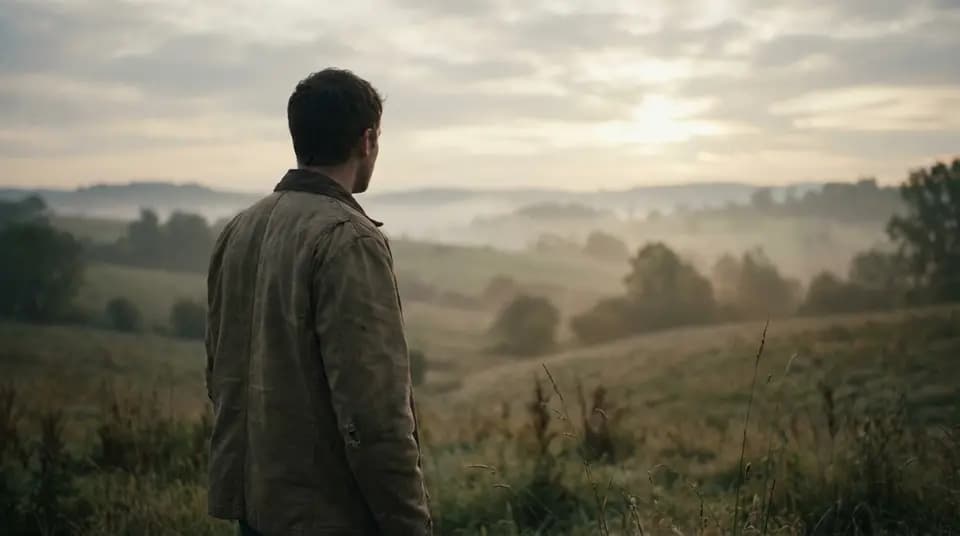
22 visual styles
Applied to every AI image and clip in the video, or set per scene. Write your own style description if none of these fit. These are real samples from the presets.
Realistic 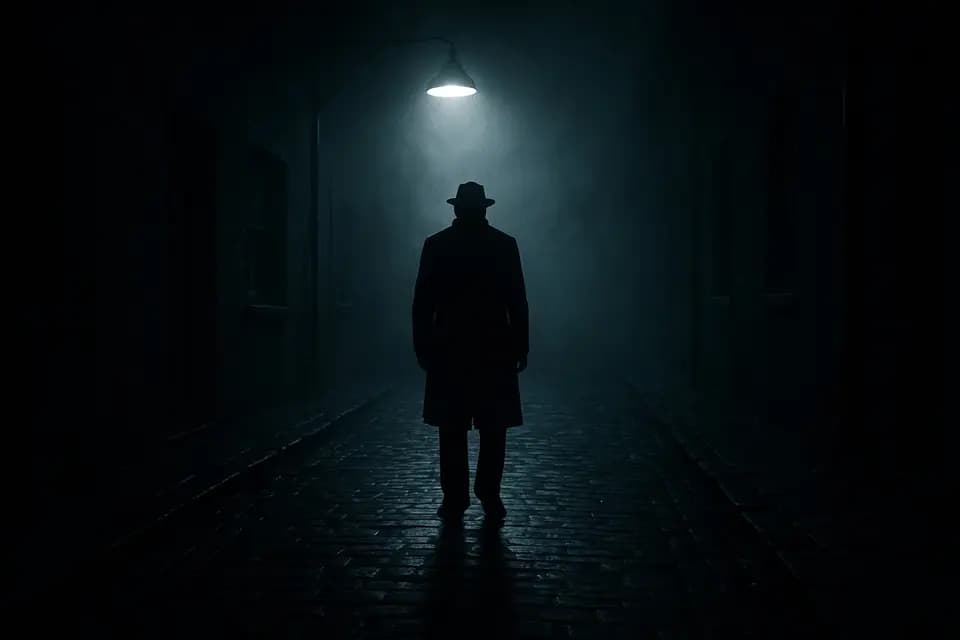
Mysterious 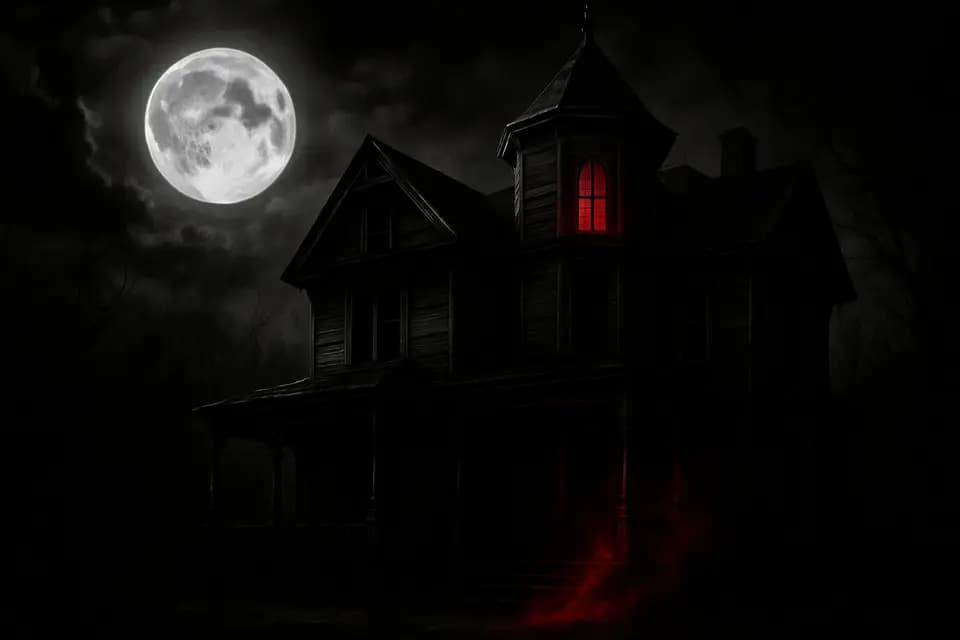
Horror 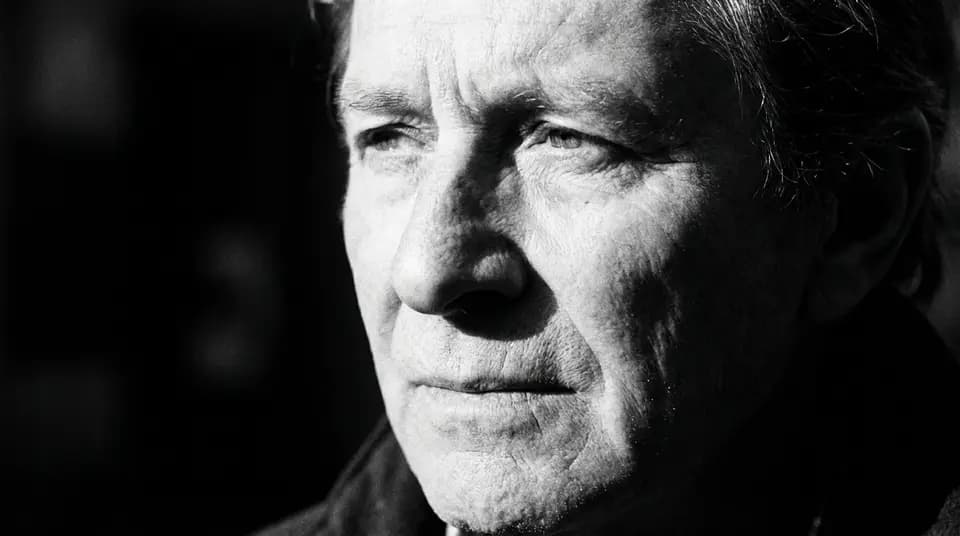
B&W 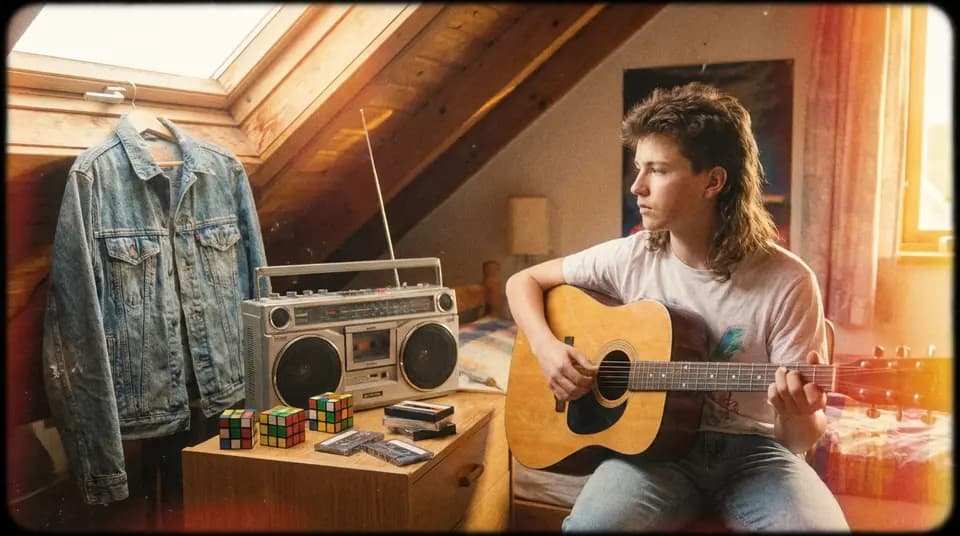
Vintage 
3D Render 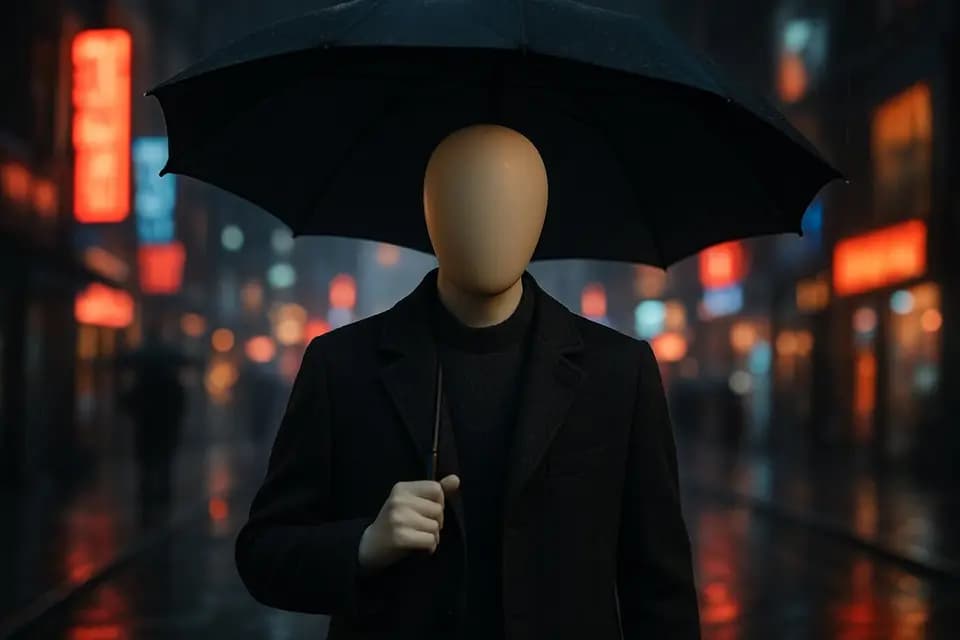
Mannequin 
Claymation 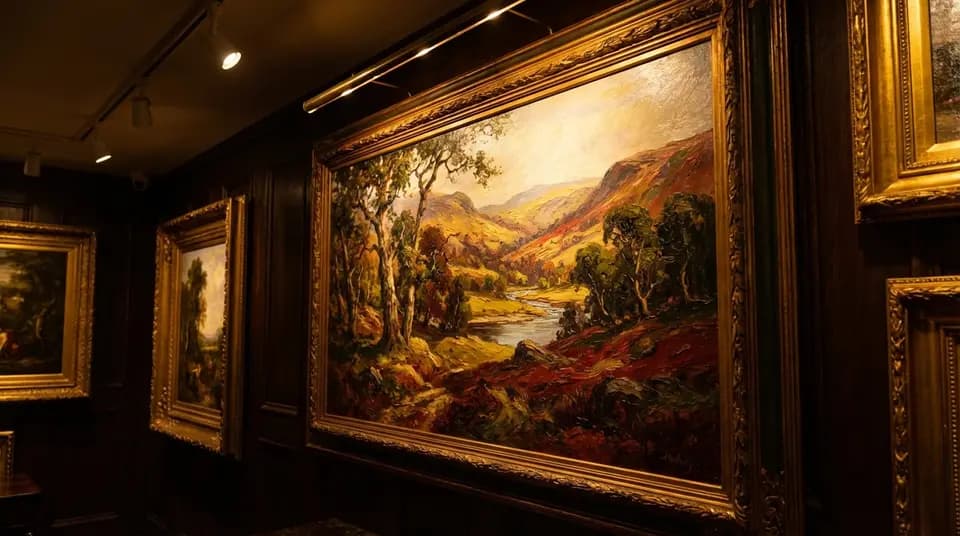
Oil Paint 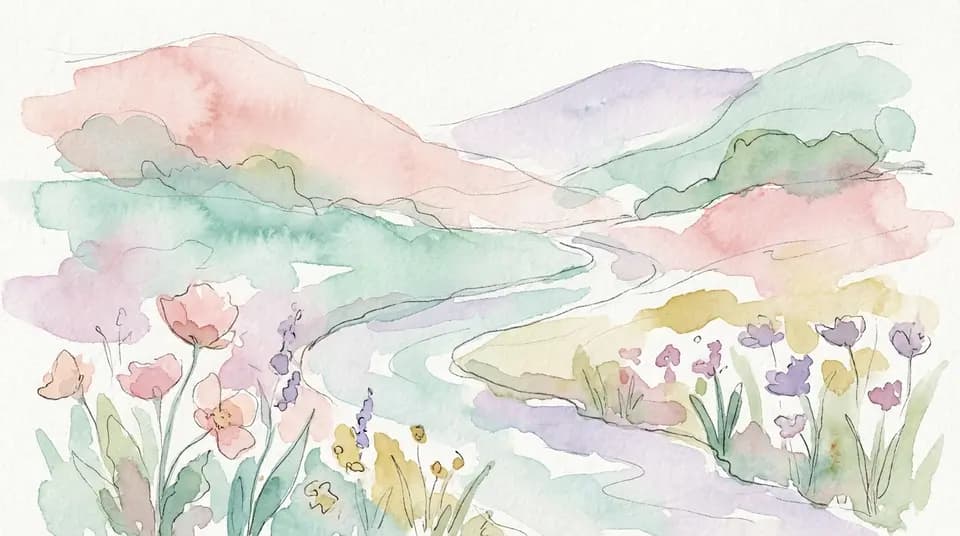
Watercolor 
Fantasy Art 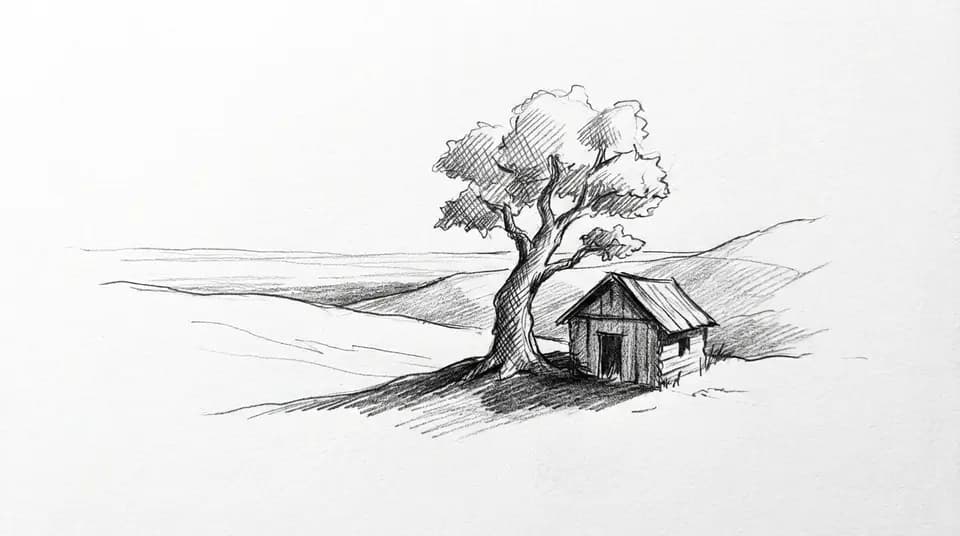
Sketch 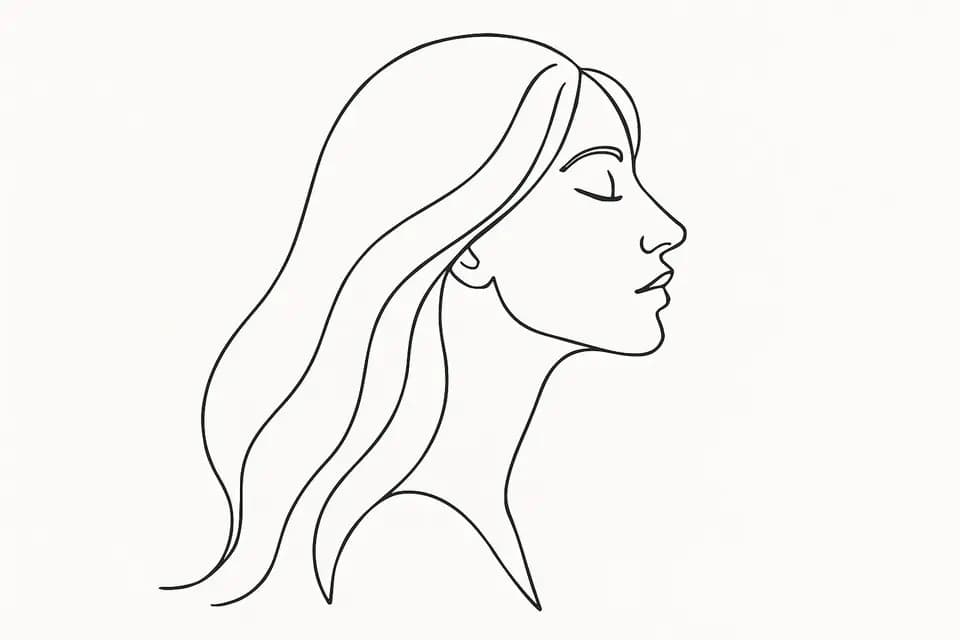
Line Art 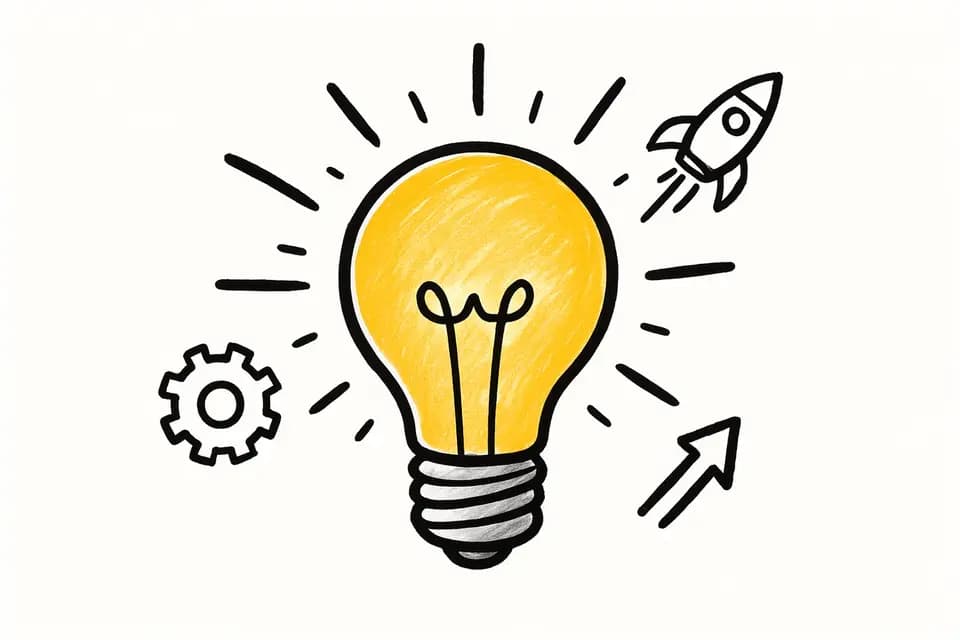
Whiteboard 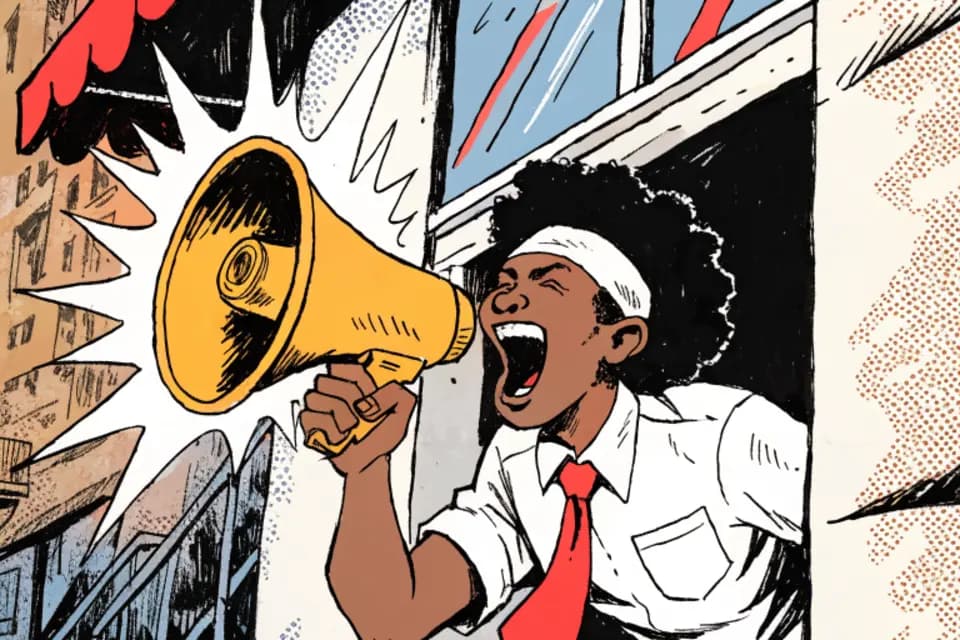
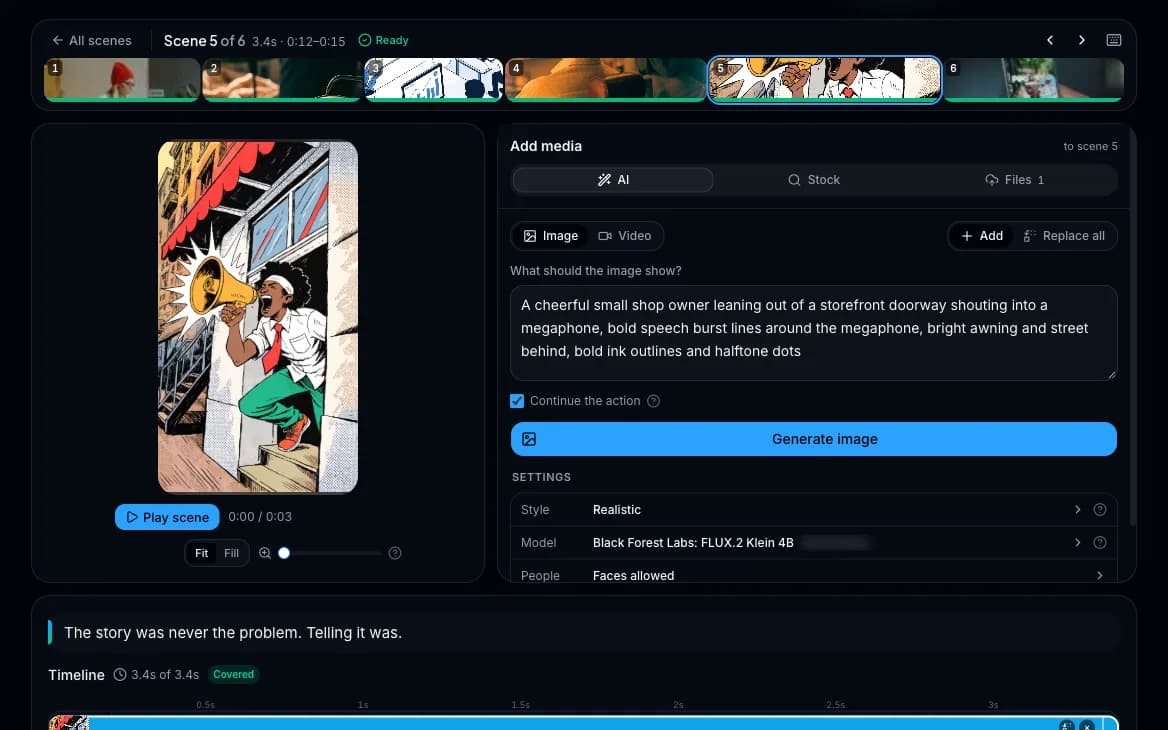
Comic 
Minimal Flat 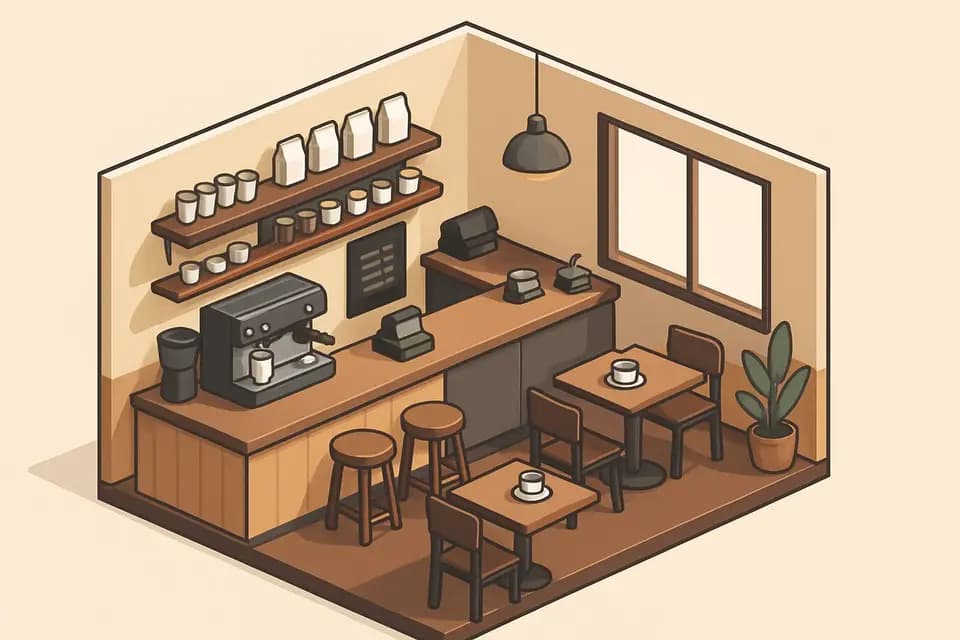
Isometric 
Explainer 
Pixel Art 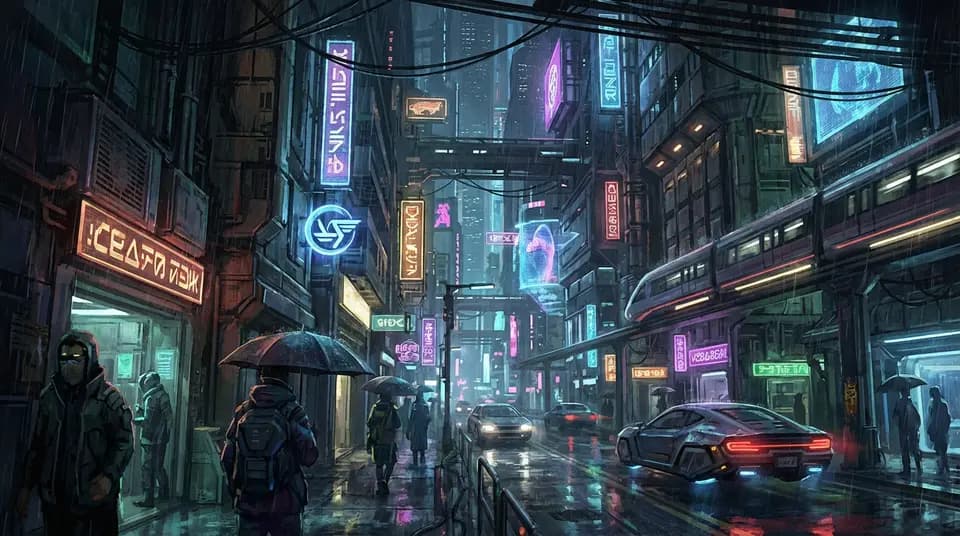
Cyberpunk 
Vaporwave 
Anime
Publishing
From render to live video on the same page.
- Connect channels
- Up to 1,000 YouTube channels per account.
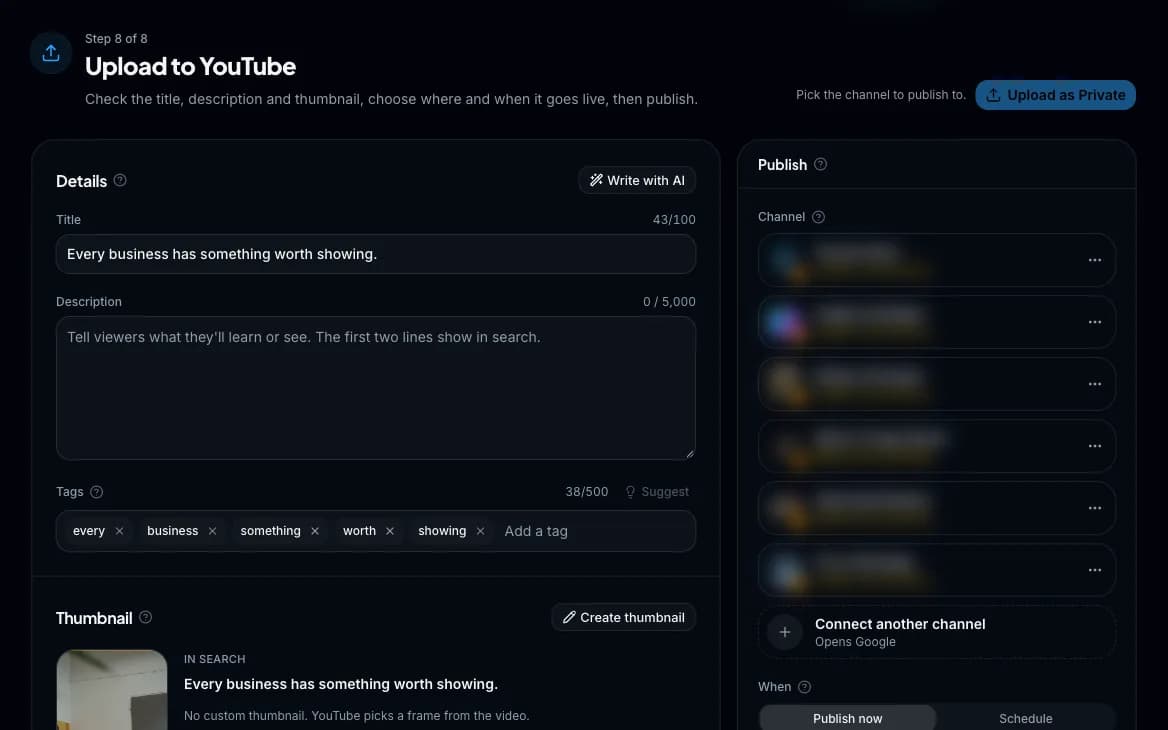
- Title, description and tags
- Filled from your script, or rewritten for search in one click, and undone just as fast.
- Schedule uploads
- Pick a date and time and YouTube publishes it for you.
- TikTok
- Post the same render to a connected TikTok account, from its own card with its own caption.
- Thumbnail editor
- Start from a frame of your video, an AI image or your own picture, add bold text, and see it next to your title as it appears in search. Shorts get a true 9:16 thumbnail.
- Caught before YouTube rejects it
- Character limits, disallowed characters and expired connections are flagged before you publish.
- After it's live
- Copy the link, open it on YouTube, or jump to YouTube Studio.
Presets
A channel's whole look in one click.
- Everything together
- Captions, motion, music, watermark, voice and voice quality, saved as one preset.
- Start any video with it
- Pick a preset on the New video page and the voice, captions, motion and music are already set.
- Defaults
- One default for Shorts and one for long-form.
- Ready-made or your own
- Start from one of Wyrlo's presets, or save your own from any video you're happy with for a house style.
Cost and analytics
Know what every video cost and what it earned back in views.
- Prices before you click
- Every AI image, clip and voiceover shows its price before it runs.
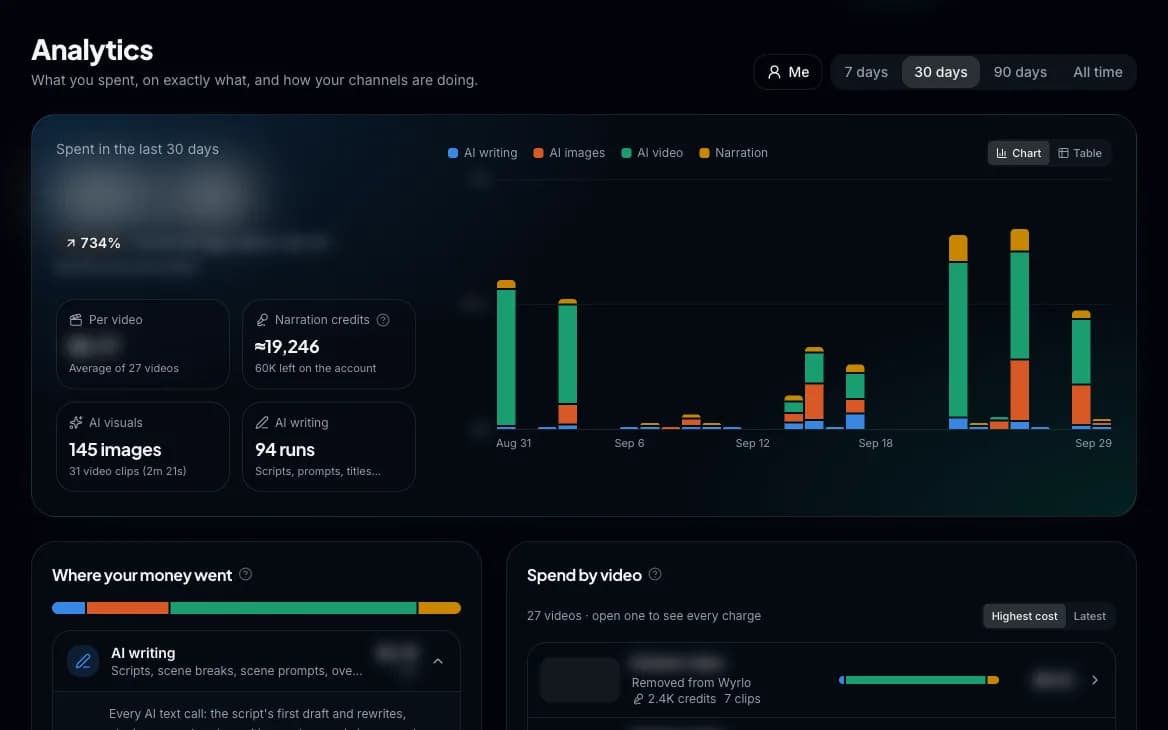
- A receipt for every video
- Every charge, by category.
- Spend
- For 7, 30 or 90 days or all time, by category (writing, images, video, voice, music) and by video, with a spend-over-time chart.
- Channel performance
- Subscribers and views, and for every video published with Wyrlo: views, likes, comments, what it cost to make and its cost per 1,000 views. Your top video is called out.
- Stats
- Everything you've made, an activity calendar with streaks, and a tally of every script, take, image, clip and track.
Your videos and export
Everything you make, in one place.
- Dashboard
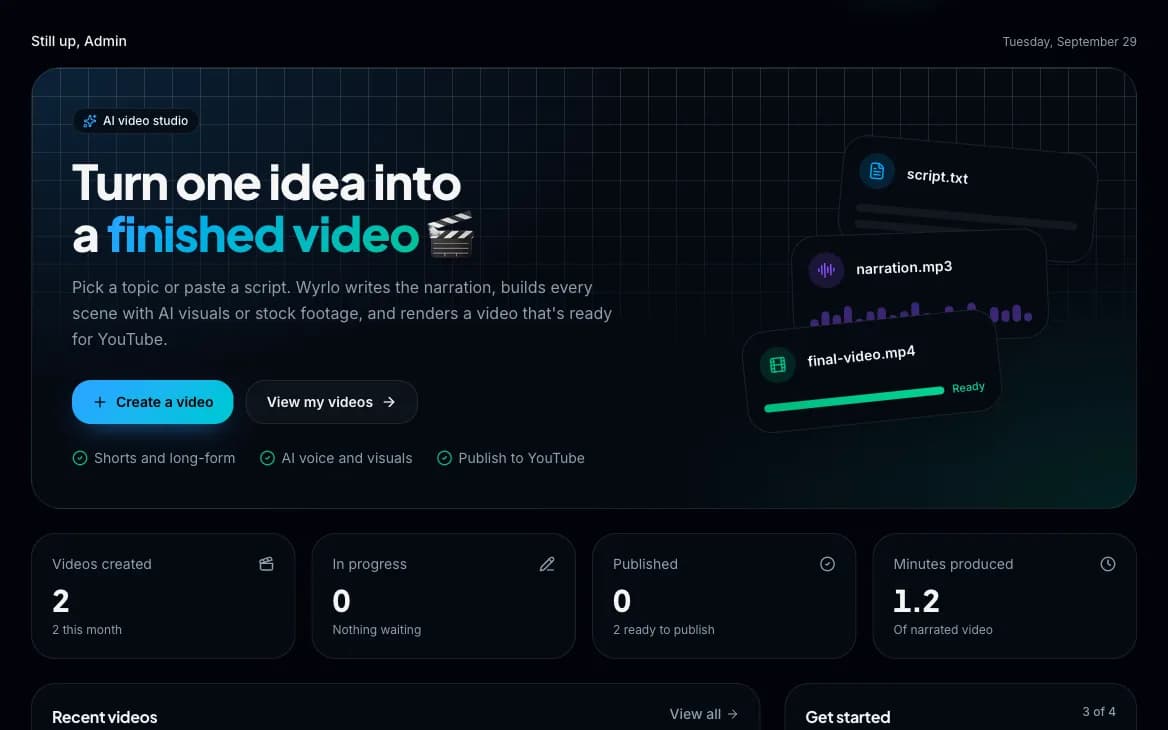
- Headline numbers, recent videos with one-click Continue, a publishing queue and your channels.
- Videos library
- In progress, ready to publish, scheduled and published, with search, filters, hover previews, notes and Recently deleted.
- Search and notifications
- ⌘K search across videos and pages, and notifications for what needs you.
- Export and import
- A complete .zip of any video (script, every take, all media, overlays, thumbnail, music, settings and the render), importable into any account, up to 5 GB. No lock-in.
- Everywhere
- Light and dark mode, keyboard shortcuts, and it works on phones.
Coming soon
On the roadmap and not available yet. We'll move each one up the page when it ships.
- More languages for scripts, voices and captions
- Voice cloning and AI avatars
- Instagram Reels publishing
- Facebook publishing
- Automatic B-roll punch-ins so no shot holds too long
- YouTube chapters made from the video's chapter cards
- Hook replay: the strongest moment repeated as a cold open
- Music that dips under the voice on long-form (Shorts have it)
- Automatic end screens
- Turning a blog post, URL or video into a new video
Make your first video this week.
Create an account, confirm your email and you're in. You'll see the price of every video before you make it.