How to make a YouTube video with AI How Wyrlo makes a YouTube video in six steps.
Wyrlo takes a video from a one-line topic to a finished upload in one project. AI does the work at every step and shows you what it decided. You can change anything, and watch the whole video with its voiceover before you render it. Each step hands its work to the next, so nothing is exported between apps.
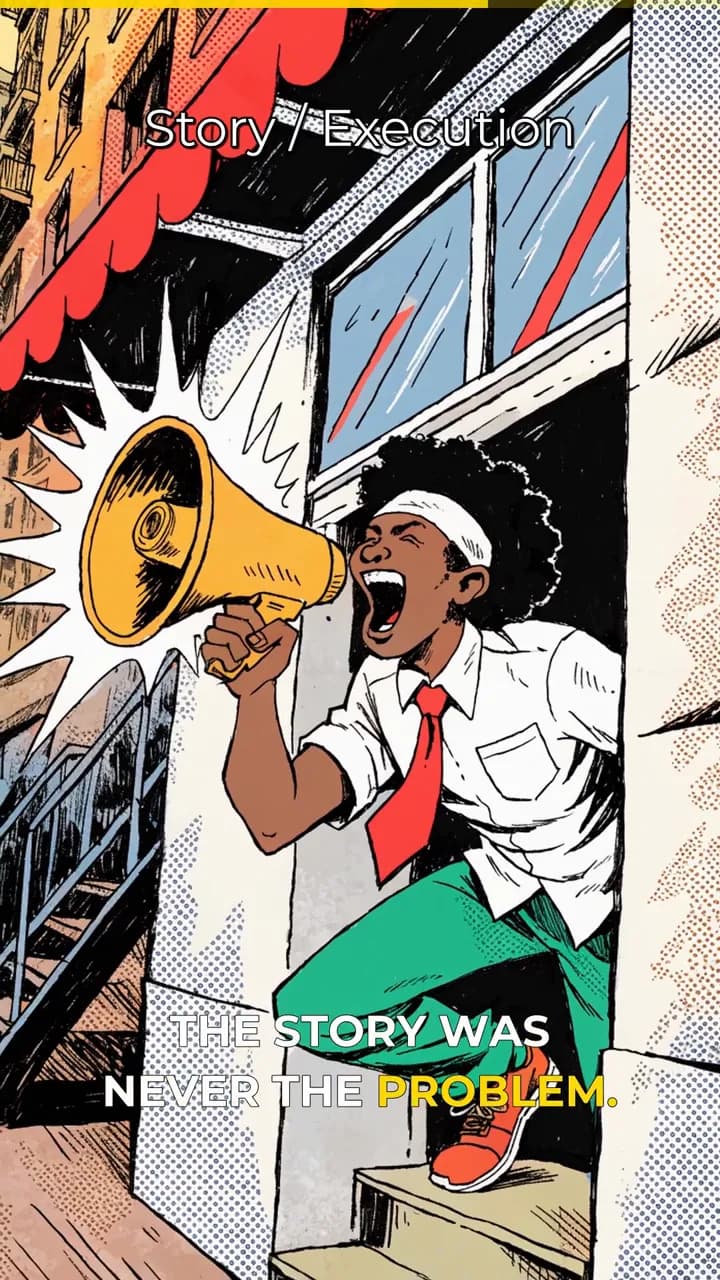
The pictures below are drawn from a real 19-second Short made in Wyrlo for this site. The actual screen for each step is one click away under “See it in the app”.

Step 1 of 6New video
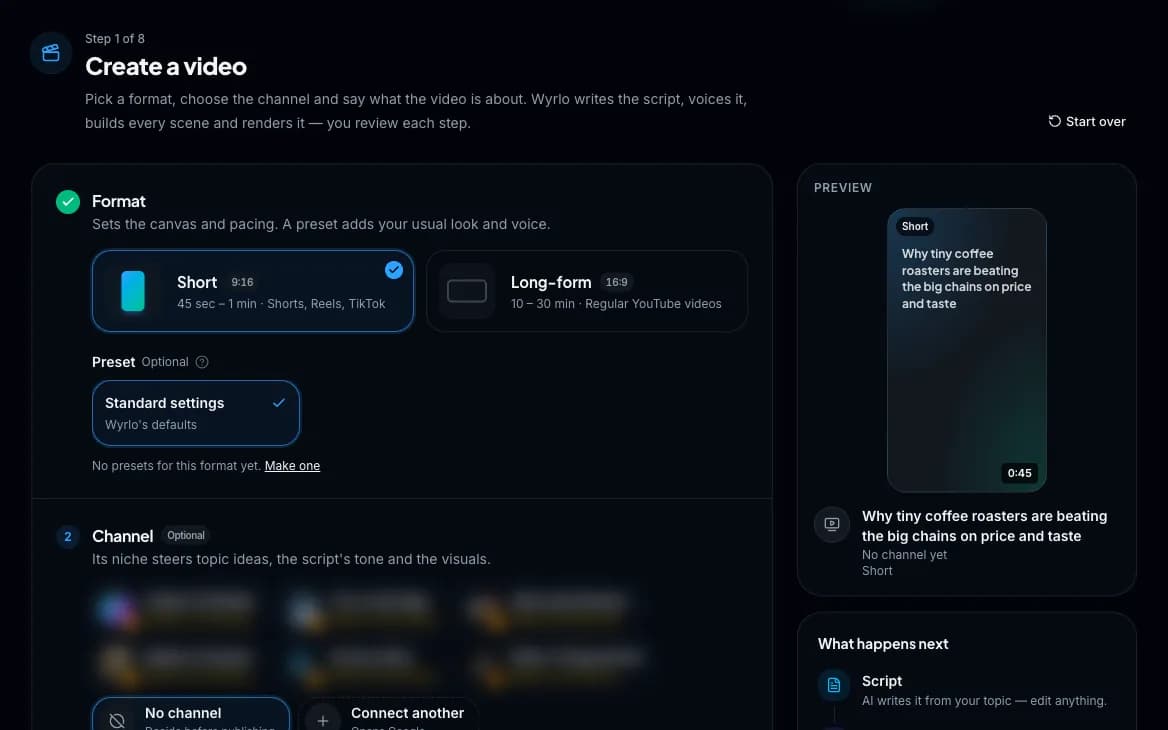
Pick a format and a topic
Choose a Short (9:16) or a long-form video (16:9), pick the channel and a preset, then type a topic or paste your own script.
What Wyrlo does
- Suggests 50 topic ideas when you ask, or 75 with a live web search of recent news, trending and viral, Reddit and Quora. You can ask for a kind of idea too: hot right now, controversial, forgotten, myths, mysteries and more.
- Follows the niche you set for each channel, so ideas and scripts fit the audience.
What you control
- Type any topic, or paste a finished script and skip the writing.
- Pick the length: 45 seconds, 1, 2 or 3 minutes for Shorts; 4, 10, 15, 20 or 30 minutes, 1 or 2 hours for long-form, or any length you type.
- Start from a preset so the voice, captions, motion and music are already set.
- Or press Make it for me: Wyrlo runs every step and stops once, at the storyboard, with the price.
Also in this step
- Every step saves as you go
- Leave at any point and pick up where you stopped. Jump back to any earlier step whenever you like.
- Jobs keep running
- Long generations and renders carry on if you close the page.
Passes on: A format, a length and a topic, or your finished script. Next: Script
See it in the app
Step 2 of 6Script
Research and write
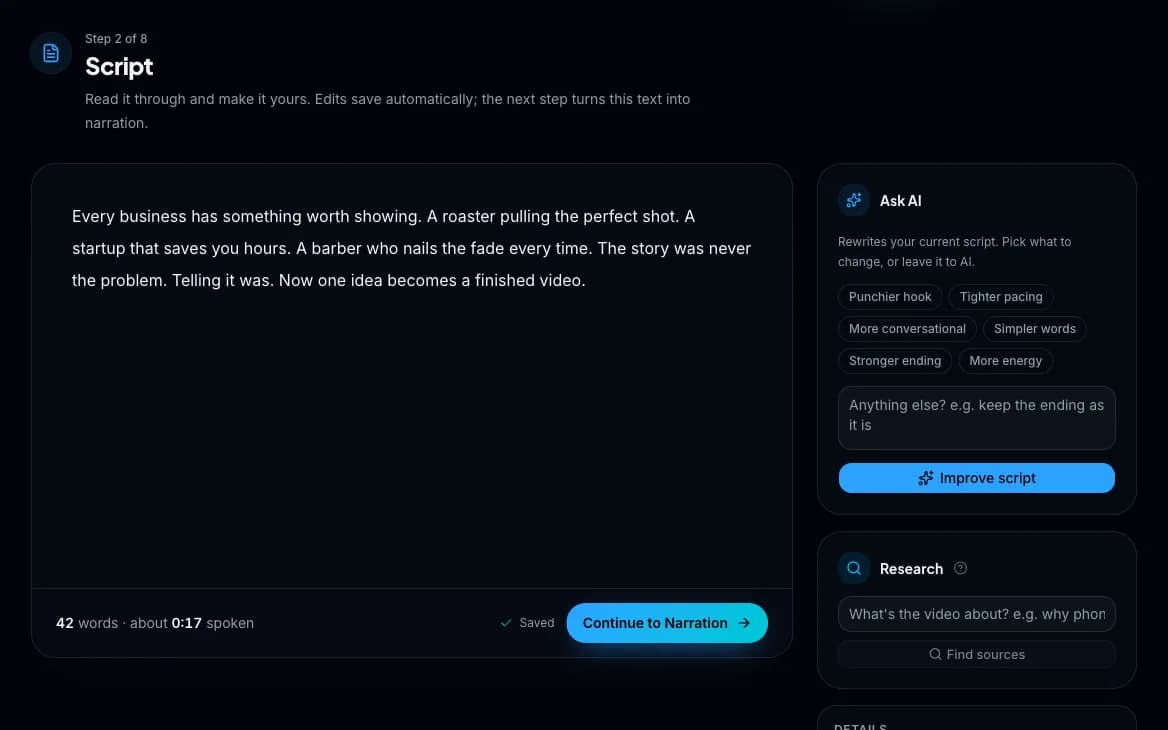
Wyrlo writes the script in the style you choose, from real web sources if you ask it to research first. You edit it like a document.
What Wyrlo does
- Researches the topic first when you switch it on, reading real pages, not inventing links. The sources stay with the video, on the Script page.
- Writes in one of 13 styles or picks one for you: educational, storytelling, fiction, documentary, listicle, hot take, motivational, tutorial, news recap, myth-busting, comparison, case study or Q&A.
- Rewrites on request: a punchier hook, tighter pacing, simpler words, more energy or a stronger ending.
What you control
- Edit every word. The editor shows word count, spoken length and whether you're on target.
- Undo any AI rewrite.
Also in this step
- Hear a style before you pick it
- Every script style comes with a sample opening line, so you can hear the difference first.
- Direct the rewrite
- Besides the one-click directions, tell Ask AI what to change in your own words, or start over from the topic with a new angle.
Passes on: The final script, with the research it was written from. Next: Narration
See it in the app
Step 3 of 6Narration
Give it a voice
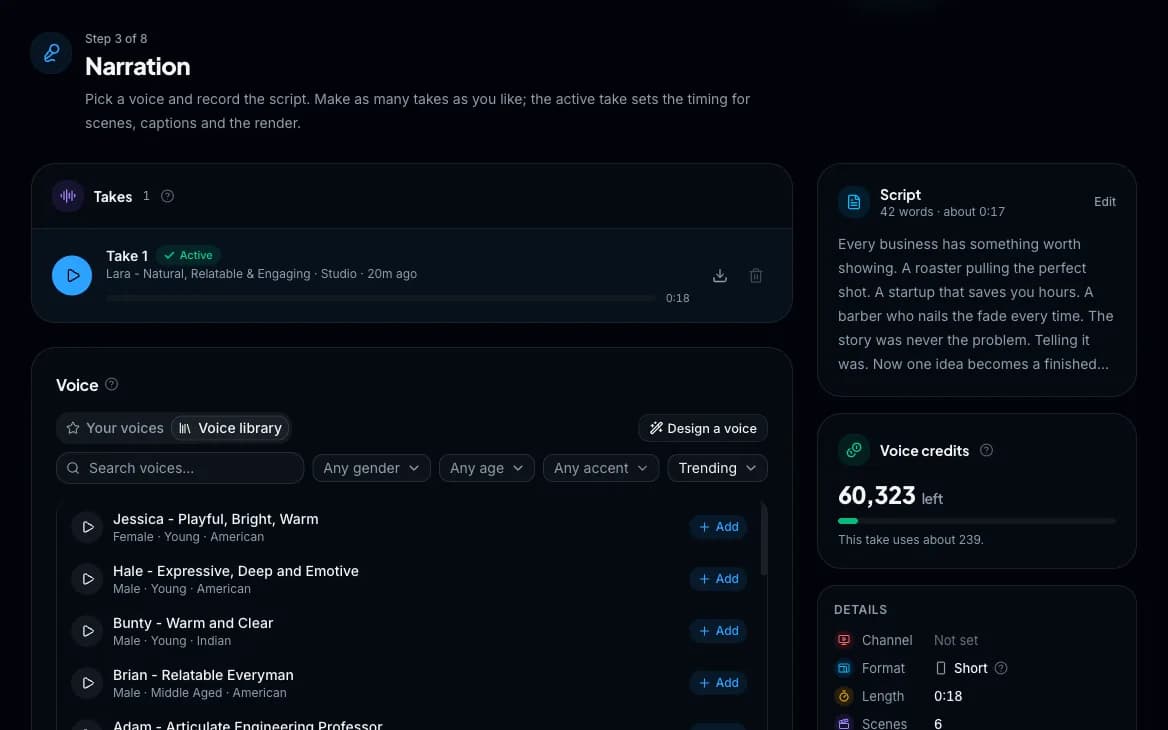
Choose from thousands of ElevenLabs voices and keep the ones you like in your own library. Record as many takes as you like and keep the best.
What Wyrlo does
- Captures the exact moment every word is spoken. That timing drives the captions, the scene cuts and the overlays.
- Matches a voice to the channel when one is set up for it.
What you control
- Search voices by gender, age and accent, and preview before you record.
- Keep favourite voices in your library, with tags to find them by.
- Pick Value quality (fast, low cost) or Studio quality (richer, more expressive).
- Compare takes in one player and switch the active take in a click.
- Or narrate it yourself: record on the page or upload a recording, timed word by word.
- Change the script later and re-voice only the lines that changed.
Also in this step
- Design a voice (coming soon)
- Describe it in plain English (tone, style, a line to read) and choose from three generated voices.
- Cost before you record
- Each take shows what it will cost before you press record.
- Nothing is overwritten
- Every take is kept, so you can switch back to an earlier one at any time.
Passes on: The voiceover, with the exact moment every word is spoken. Next: Storyboard
See it in the app
Step 4 of 6Storyboard
Plan and fill every scene
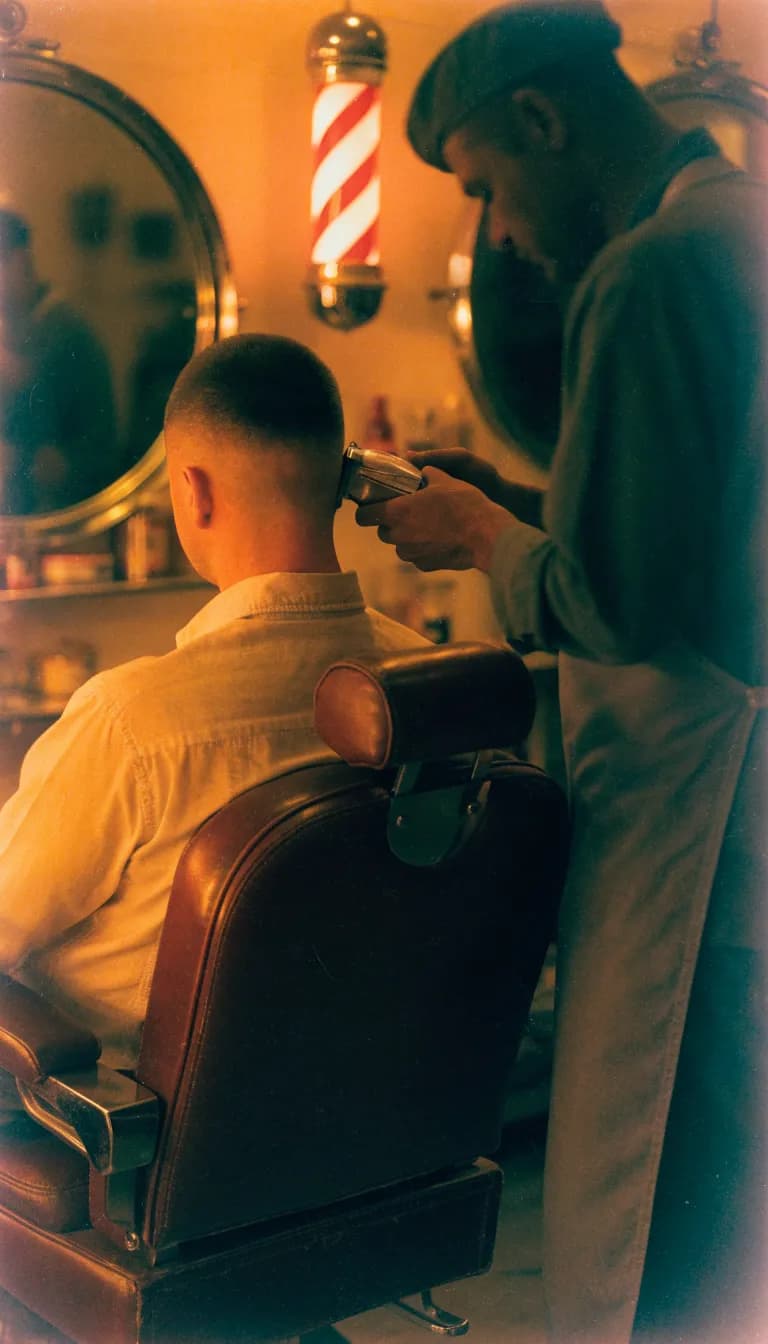
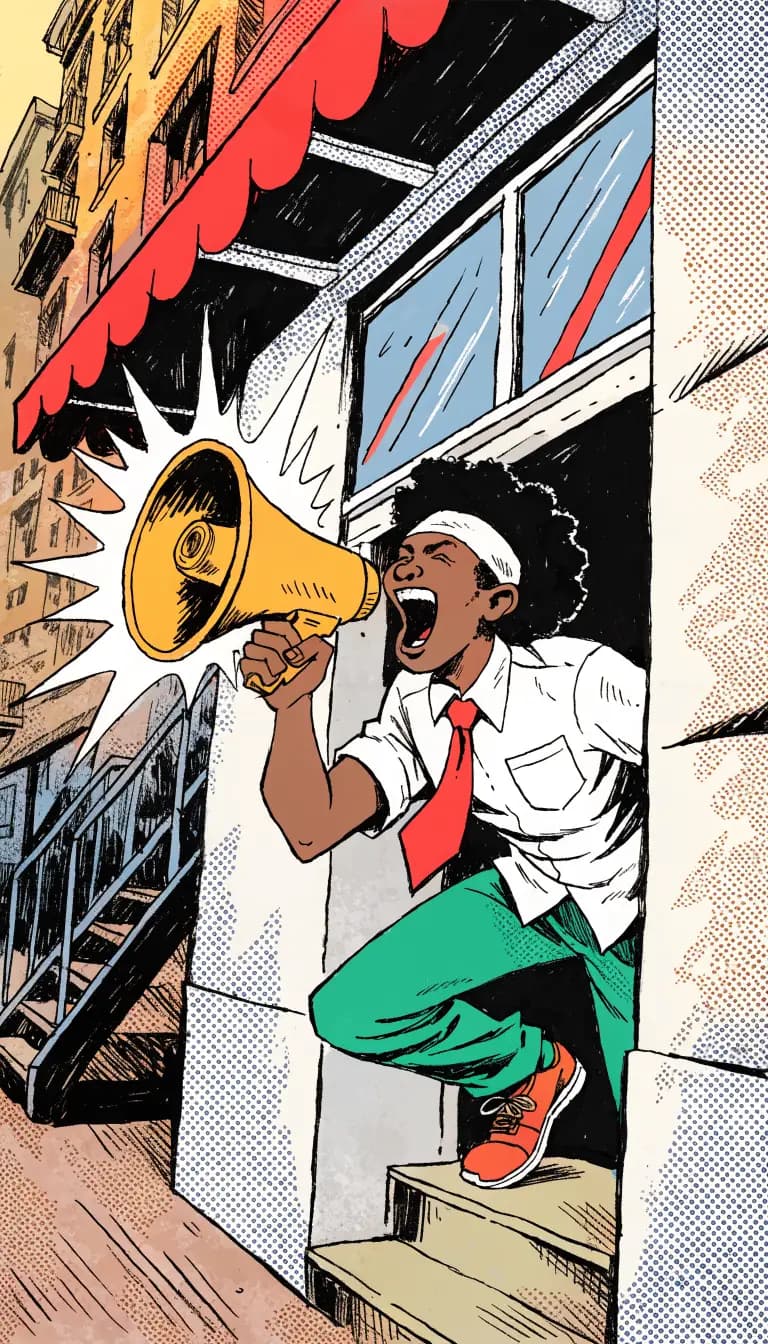
Wyrlo cuts the voiceover into scenes and gives each one a type: AI video from 22 models, an AI image from 46, an animated graphic, free stock or your own media. Finalize the storyboard and every scene is made in one press, with the total shown first.
What Wyrlo does
- Places every cut against the real voiceover, so each scene is exactly as long as its words.
- Gives each scene a type with a one-line reason, following the mix you asked for. Best value, the default, opens on a short AI clip and then picks the most affordable type that works for each moment; Best quality spends where it shows.
- Writes a visual prompt and stock keywords for every scene, and keeps recurring people looking the same in every scene they appear in.
- Designs animated graphics: picks a shot for each moment (a number, a chart, a comparison, a timeline, a map) and fills it with the words being said.
- Handles a dozen scenes or 300, and never changes a word.
What you control
- Choose the pacing or an exact scene count, and a mix: Balanced, Balanced without stock, AI images, Animated graphics, Stock-heavy, AI-heavy, your own media, or your own counts.
- Drag any cut and it snaps between words. Click between two words to add one. Remove a scene and its words join the one before.
- Choose the model, style, clip length and people setting per scene, or for many scenes at once. Pick which seconds of a clip play and how each shot is framed.
- Watch a rough cut with the voiceover before you render anything.
Also in this step
- See the mix before you spend
- A live bar shows how many scenes of each type you'll get, and Finalize shows the total before anything is made.
- Problems flag themselves
- Scenes under a second, and AI video scenes too long for a good clip, are pointed out so you can split them or make them images.
- Replace one clip
- Swap a single clip for a new AI shot, a stock clip or your own file, and it keeps its exact place and length.
- Re-cut without losing work
- Undo, redo and autosave while you listen. Scenes you didn't touch keep their prompts and media.
Passes on: A picture for every second of the voiceover, ready to watch as a rough cut. Next: Finish


See it in the app

Step 5 of 6Finish
Callouts, captions and the render
Callouts, captions, music, sound and the look on one page, in a preview that plays what the render will make. Then render the video; every version is kept.
What Wyrlo does
- Suggests callouts in real formats (stat cards, contrast callouts, insights, reactions, questions, step markers and name cards) and places each one on the word it belongs to.
- On a Short, renders the Studio look: captions that pop on the spoken word, transitions only where there's a reason, one colour grade over every source, and sound effects on the cuts and graphics.
- Picks a mood track for what the video is about and dips it under the voice.
- Keeps footage that doesn't fit the frame on a blurred copy of itself instead of stretching it.
What you control
- Add text, emoji, an animated overlay or an image such as your logo, and drag it to any word.
- On a Short: Pop, Karaoke, Sentence, Boxed or Keyword captions; hard cuts, transitions with a reason or lively ones; six colour grades; sound effects off, subtle or full.
- On long-form: four caption styles, eight zoom and pan moves, five transitions or a plain cut, four color looks.
- 23 caption fonts, any highlight color, size and position. Music from the mood tracks, your uploads, a free library or made with AI, at the volume you set.
Also in this step
- A watermark only if you want one
- Off until you turn it on. Then it's your text and logo in any corner, at any size.
- Progress bar
- At the top or bottom of the frame, in any color.
- Every version kept
- Watch, compare, download or delete past renders.
Passes on: The finished MP4, in 9:16 or 16:9. Next: Publish
See it in the app

Step 6 of 6Publish
Publish or schedule
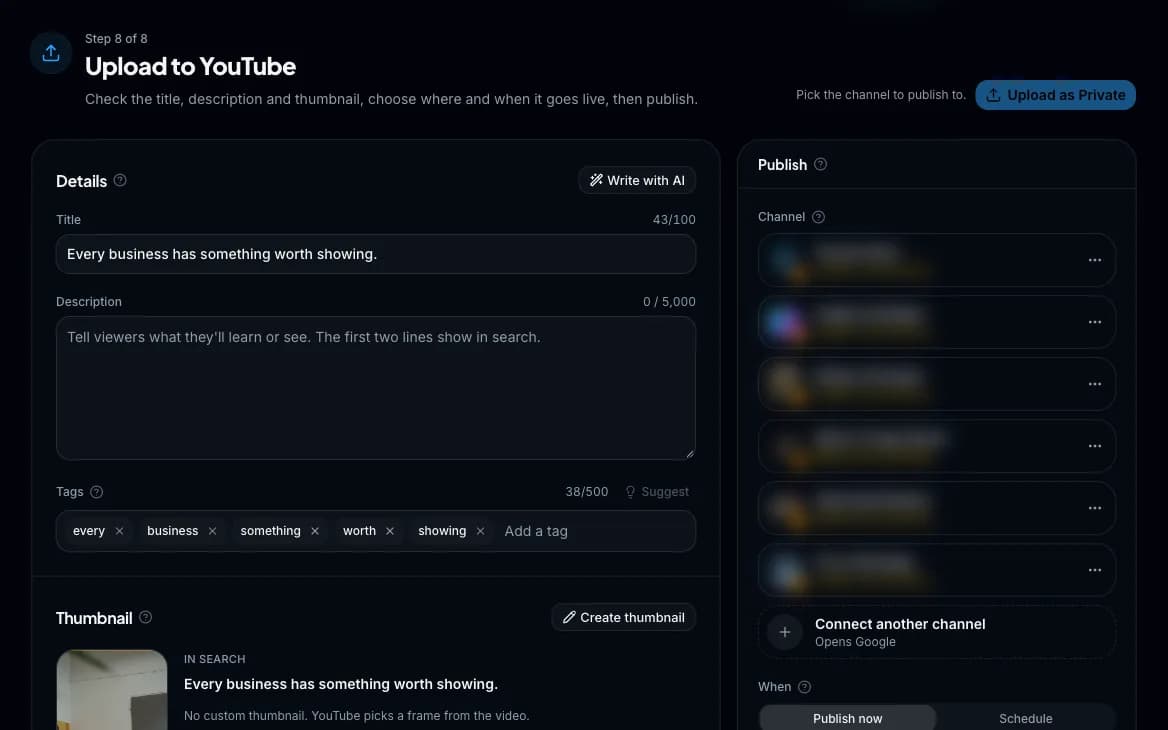
Title, description, tags and thumbnail, written with AI and checked against YouTube's rules, then published now or at the time you pick. The same render posts to TikTok.
What Wyrlo does
- Writes the title, description and tags from your script, or rewrites them for search.
- Starts the thumbnail from a frame of your video or an AI image. Shorts get a true 9:16 thumbnail.
What you control
- Choose the channel, visibility and schedule.
- See the thumbnail next to your title as it appears in search before you publish.
Also in this step
- Caught before YouTube rejects it
- Character limits, disallowed characters and expired channel connections are flagged before you publish.
- AI scenes declared
- When a video shows AI-made images or clips, Wyrlo tells YouTube so, as its rules ask.
- After it's live
- Copy the link, open the video, or jump straight to YouTube Studio.
The end result: A live or scheduled video on your channel.
See it in the app
Start from a topic, a script or your own footage.
- Just a topic
- Type one line. Wyrlo researches it, writes the script, records the voice and fills every scene.
- No idea yet
- Ask for topic ideas: up to 75 per run from recent news, trending topics, Reddit, Quora, history or evergreen.
- Your own script
- Paste it and skip the writing. Wyrlo voices it word for word and builds the scenes around it.
- Your own footage
- Upload clips or product photos to any scene, or drop a folder and they land one per scene, in order.
- A story with characters
- Recurring people are detected in the script and keep the same look in every scene they appear in.
- An hour-long documentary
- From your own script: up to 300 scenes on a zoomable timeline, with bulk actions and Auto fill for the whole video at once.
- A 45-second Short
- 12 scenes by default, Studio captions that pop on the spoken word, and a true 9:16 thumbnail when you publish.
- A product ad
- Your photos, your logo as an overlay or watermark, and a preset that keeps your brand look on every video.
Every tool in detail on the features page. What each video costs on the pricing page.
Questions about the workflow
What is Wyrlo AI?
Wyrlo AI (Wyrlo for short) is an AI video generator for YouTube channels and businesses. It turns a topic into a finished, published video: it can research the topic, writes the script, records an AI voiceover, cuts the voiceover into scenes, fills each scene with AI video, AI images, animated graphics (numbers, charts, maps and timelines drawn for the words being said), stock footage or your own clips, adds captions, motion, overlays, music and sound effects, renders the video and publishes it to YouTube. It makes Shorts (9:16) and long-form videos (16:9) in the same workflow, step by step or with one press of Make it for me.
How is Wyrlo different from autopilot faceless video tools?
Autopilot tools post on a schedule with nobody in the loop, and they are fast because every video comes out of the same template, which is the kind of video YouTube's inauthentic content policy demonetizes. Wyrlo builds each video scene by scene: AI picks a visual type for every scene, cuts are timed to the voiceover word by word, and you can change the script, any scene, its model, its style and the whole edit before you render. Make it for me runs every step for you and stops once, at the storyboard, so you see the scenes and their price before they are made (you can skip that stop under an amount you set), and it never publishes on its own.
How does Wyrlo make a video?
In 6 steps: pick a format and topic, research and write the script, record the narration, plan and fill the storyboard (Wyrlo cuts the voiceover into scenes and fills each with AI video, an AI image, an animated graphic, stock or your own media), finish it with callouts, captions, music and the render, and publish. AI makes the decisions at every step, including how many scenes the video needs and which type of visual each scene gets, and you can change any of them. Or press Make it for me and Wyrlo runs every step, stopping once at the storyboard to show you the scenes and their price. Every step saves as you go, and long jobs keep running if you close the page.
Has Wyrlo been tested on real YouTube channels?
Yes. Wyrlo was tested on 15 live YouTube channels, and all 15 are growing.
Are Wyrlo videos just slideshows?
No. Wyrlo mixes AI video clips, AI images, animated graphics and stock footage in one video. Numbers count up and charts, timelines and maps draw themselves on the words that name them, every still moves, and transitions come where there's a reason. It adds animated captions, callouts, emoji, logos, music and sound effects, and every cut is timed to the voiceover word by word.
Do I need to show my face or record my voice?
No. An AI voice from the ElevenLabs library narrates the video, or you can record your own voice in the app if you want to. The visuals are AI video, AI images, animated graphics, stock footage or your own media. Wyrlo is built for faceless channels.
Can I make adult or suggestive videos with Wyrlo?
No. Wyrlo doesn't make sexual, explicit, adult or sexually suggestive content of any kind, and the Terms of Service and the Acceptable Use Policy (wyrlo.com/acceptable-use) forbid it. Every prompt for an AI image, an AI video clip or an animated graphic is checked before it is made, and the AI models are built to refuse such prompts as well. A prompt that is stopped makes nothing and isn't charged.
Start with a one-line topic.
Create an account, confirm your email and you're in. You'll see the price of every video before you make it.